






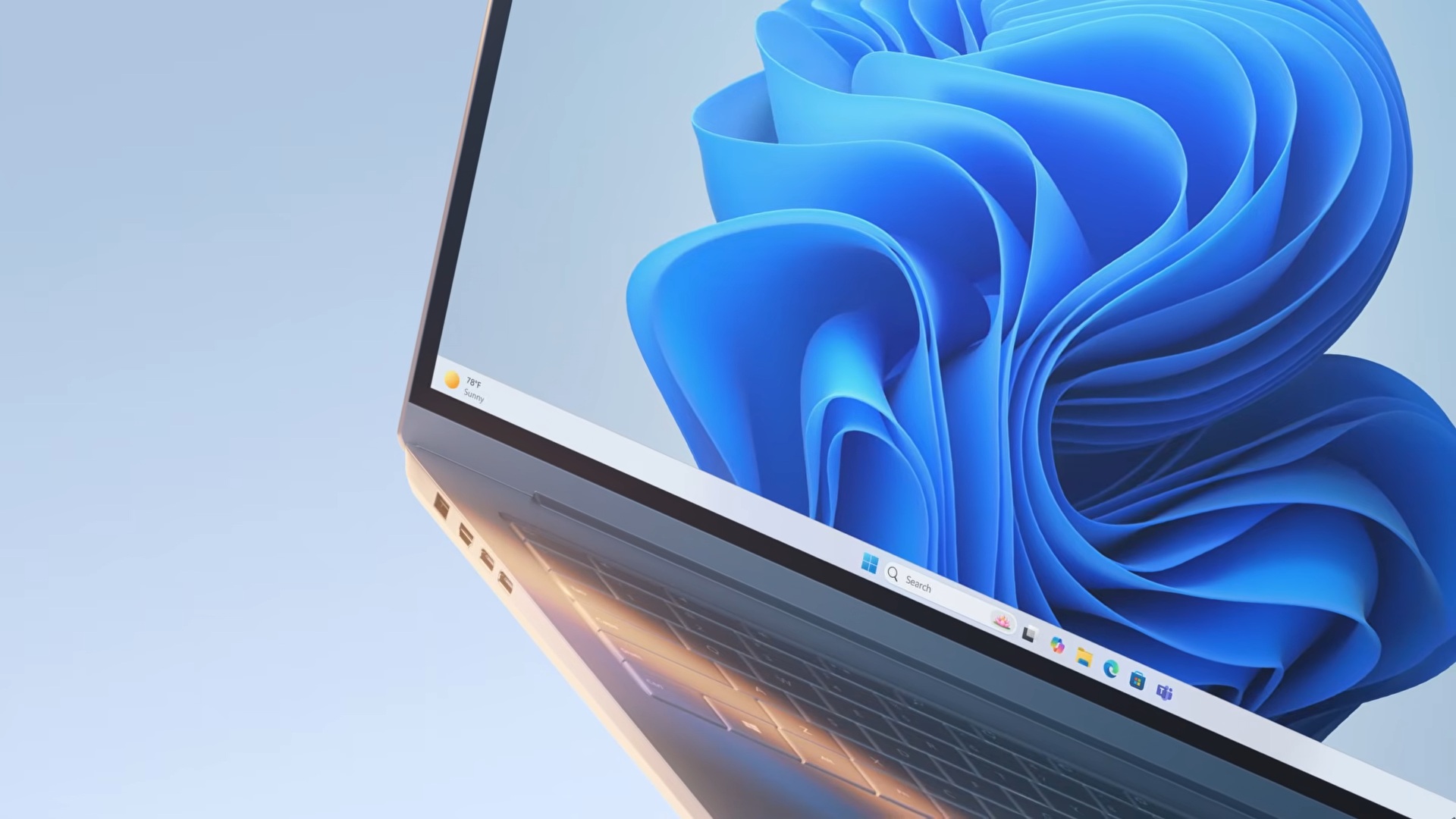
Microsoft says it built a full mock airplane cabin to test Windows 11’s Shared Audio feature, which lets two people listen to Windows audio using two different Bluetooth devices. The company later turned the fake airplane setup into a short film set to show what goes on behind the scenes.
Shared Audio in Windows 11 uses Bluetooth LE Audio broadcast streams to transmit audio to two Bluetooth devices at the same time. You have to pair two Bluetooth devices, which can be speakers, headsets, or even hearing aids.
As long as both devices support Bluetooth LE Audio, which most newer devices do, you’re good to go.
Shared Audio is rolling out to all compatible PCs, and I’ve been using it for a while with my AirPods and Galaxy Buds. In our tests, we found that Shared Audio is quite impressive, and early feedback is also positive. Part of the credit goes to Microsoft’s Windows audio team, which tried to test the feature in different real-life scenarios, including on an airplane.
Marcus Ash, who leads Design and Research at Microsoft, says the company built a full mock airplane cabin to test the Shared Audio feature because it wanted the integration to be much more human than just “technical.”
In other words, Microsoft’s leadership hoped that testing Shared Audio on an airplane could help it understand the use cases and further refine the experience. It did work, as Shared Audio is one of the finest releases from Microsoft. It’s as good as macOS’s Shared Audio feature.
In the clip, we have twins in Seahawks gear watching a movie on a Surface Pro and listening to the audio at the same time using the Shared Audio feature. The kids are inside the mock-up before the camera pulls back to reveal the crew and monitors.
Why Microsoft used a fake airplane to test a Windows 11 feature
Microsoft argues that it wanted to test Shared Audio in tight spaces where multiple people are sitting around and there is potential background noise. What could be better than an airplane cabin?
Microsoft could have tested Shared Audio using only its own tools, but instead, it chose to build a mock airplane cabin to recreate a real-life scenario, and you can expect more of these in the near future.
“A lot of design and research is about getting closer to those real moments,” Marcus noted in an X post on July 11.
“Observing, simulating, prototyping, and understanding the context around the experience. For this one, the team built a mock airplane cabin for user testing research, then turned it into a film set to help customers feel the experience with the right details.”
In March 2026, Microsoft responded to growing criticism of Windows with a new initiative called “K2,” which aims to improve the operating system by implementing feedback from consumers like you and me.
Microsoft says the effort is “really directly influenced” by feedback from Windows 11 users, and we are already seeing some early results, including faster Search without ads and a Start menu that feels more personal than ever. Shared Audio is another example of that approach.
It might sound odd to some of you, but it’s something users have been demanding for a long time. Some users feel that Microsoft is detached from reality and doesn’t know what consumers actually want. By building a fake airplane setup and testing Shared Audio under different noise conditions, Microsoft is actually trying to understand real use cases.
At the end of the day, this is what a “research” team at a corporation is supposed to do.
How can you try Shared Audio in Windows 11?
Shared Audio is still rolling out, so it may not show up immediately, but you can increase your chances by installing Windows 11’s July 2026 update (KB5101650). If you have access to the feature, you will see the “Shared audio” toggle in Quick Settings, as long as you meet the following requirements:
- Own two Bluetooth devices. Headphones, earbuds, or even assistive hearing devices are supported. Microsoft specifically says you need Bluetooth LE Audio, which is usually available on all newer headsets.
- A PC with LE Audio support. Again, most newer laptops have this feature, but if you’re unsure or own a custom build, you can verify it in Settings > Bluetooth & Devices > Devices > Use LE Audio when available. If you don’t have this toggle, it means your PC does not support LE Audio, and you can’t use Shared Audio unless you upgrade the adapter.
- Build 26200.8522/26100.8522 or newer.
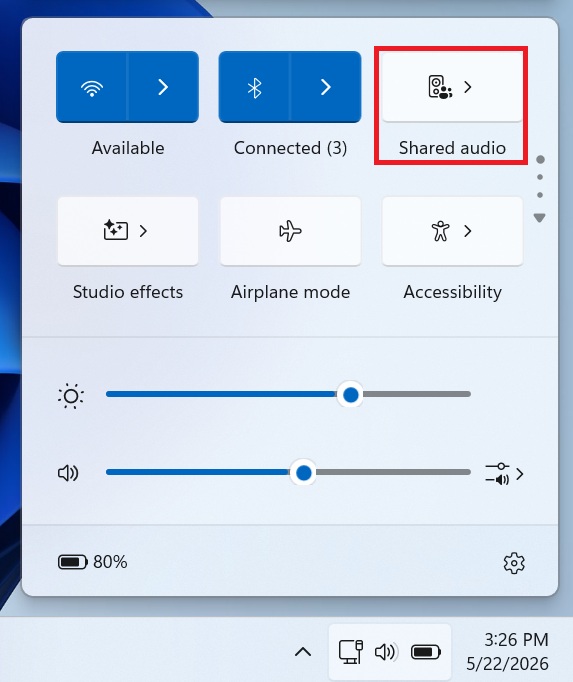
Once you have access, just open Quick Settings and click on “Shared audio,” as the screenshot below shows:
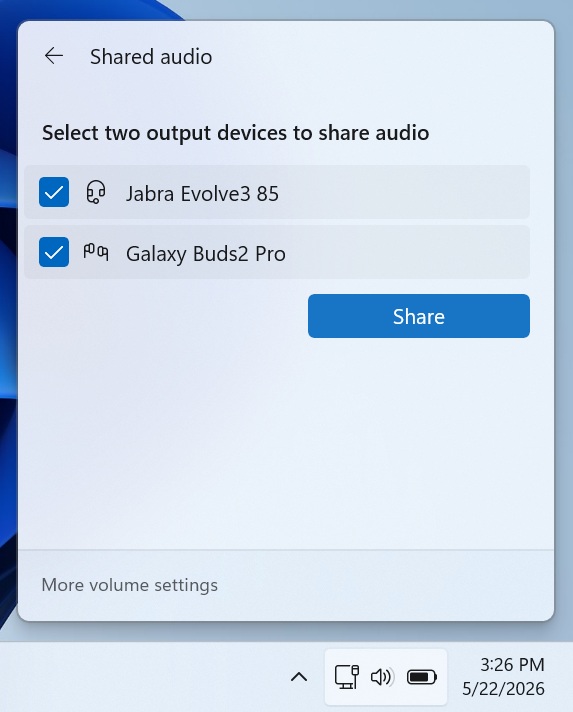
Finally, you will see a list of your supported Bluetooth headsets, such as Galaxy Buds2 Pro:
You need to select two output devices and click on “Share” to begin sharing audio. Once audio is being shared, you will notice a “shared” icon in the system tray:
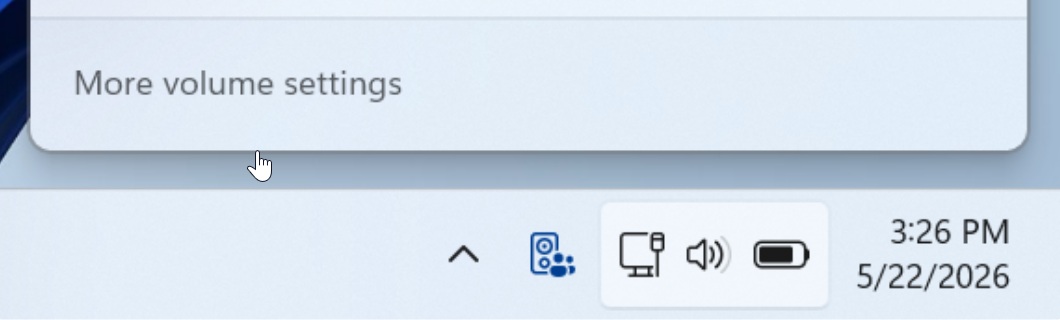
You can always open the same panel and click “Stop” to stop sharing audio. It’s also worth noting that Shared Audio works as a system-wide feature, so your game or app does not need an update to support it.
Microsoft is also shipping major Bluetooth updates with the July 2026 update, which should improve AirPods’ performance and sync mute state correctly against your headset’s own controls.