





Windows 11 appears to be heading for a new look where Microsoft would replace most, if not all, of the legacy dialogs or pop-ups you come across in the operating system. This comes at a time when Microsoft admitted WinUI isn’t exactly performance-friendly, and it has plans to make it better as it rolls it out to the shell, beyond just apps.
Microsoft officially maintains Fluent Design as the primary design language, and it’s mostly supported by WinUI, which is one of the recommended frameworks for Windows 11. WinUI had appeared to be on the back burner until recently, but Microsoft has clarified it’s fully committed to the framework, and it’ll begin enforcing it for the Windows shell.
Now, we’re actually seeing some of the promises become reality, and it no longer appears to be just “talk” or “PR.” It’s understandable why it’s quite difficult to believe because we have had these “Windows is back” moments in the past as well, and nothing really happened because the tech giant headed for reorgs.
However, Windows 11’s 2026 rival efforts are different because we’re actually seeing the core engineering and product group engage with consumers, and most changes are already showing in preview builds, which did not happen when the company made similar promises in the past.
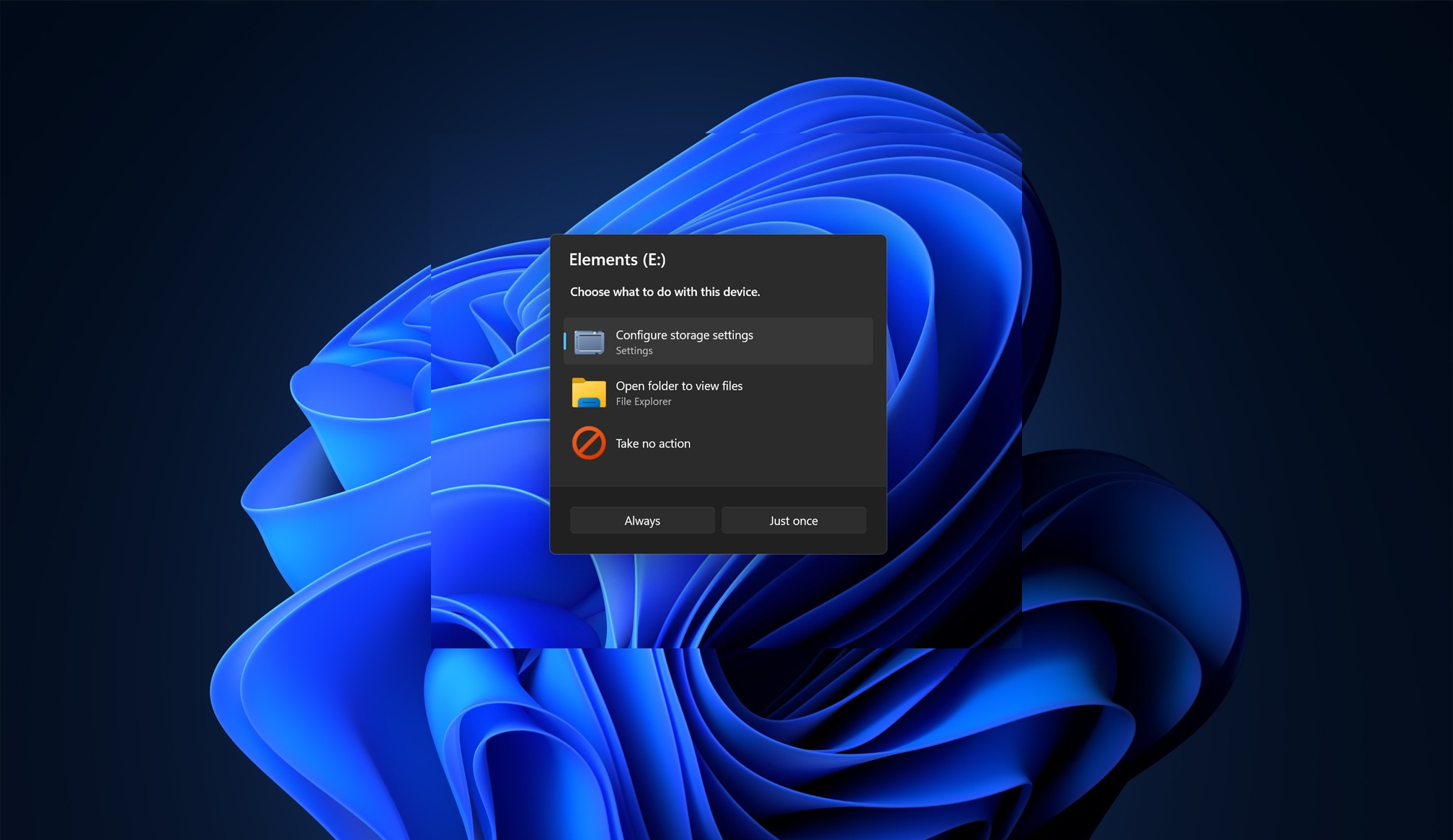
For example, Microsoft recently teased that it’ll be rolling out a new WinUI-based design for the AutoPlay dialog, and we’re already seeing it in the preview builds.
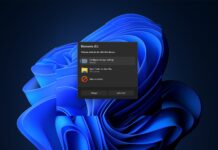
For those unaware, AutoPlay shows up when you connect a phone, USB drive, or any media, including a disc if you have one. The AutoPlay dialog shows up at the top-right corner of the screen and is actually from the Windows 8 era. If you can’t recall or understand what the AutoPlay dialog even is, here’s a screenshot:
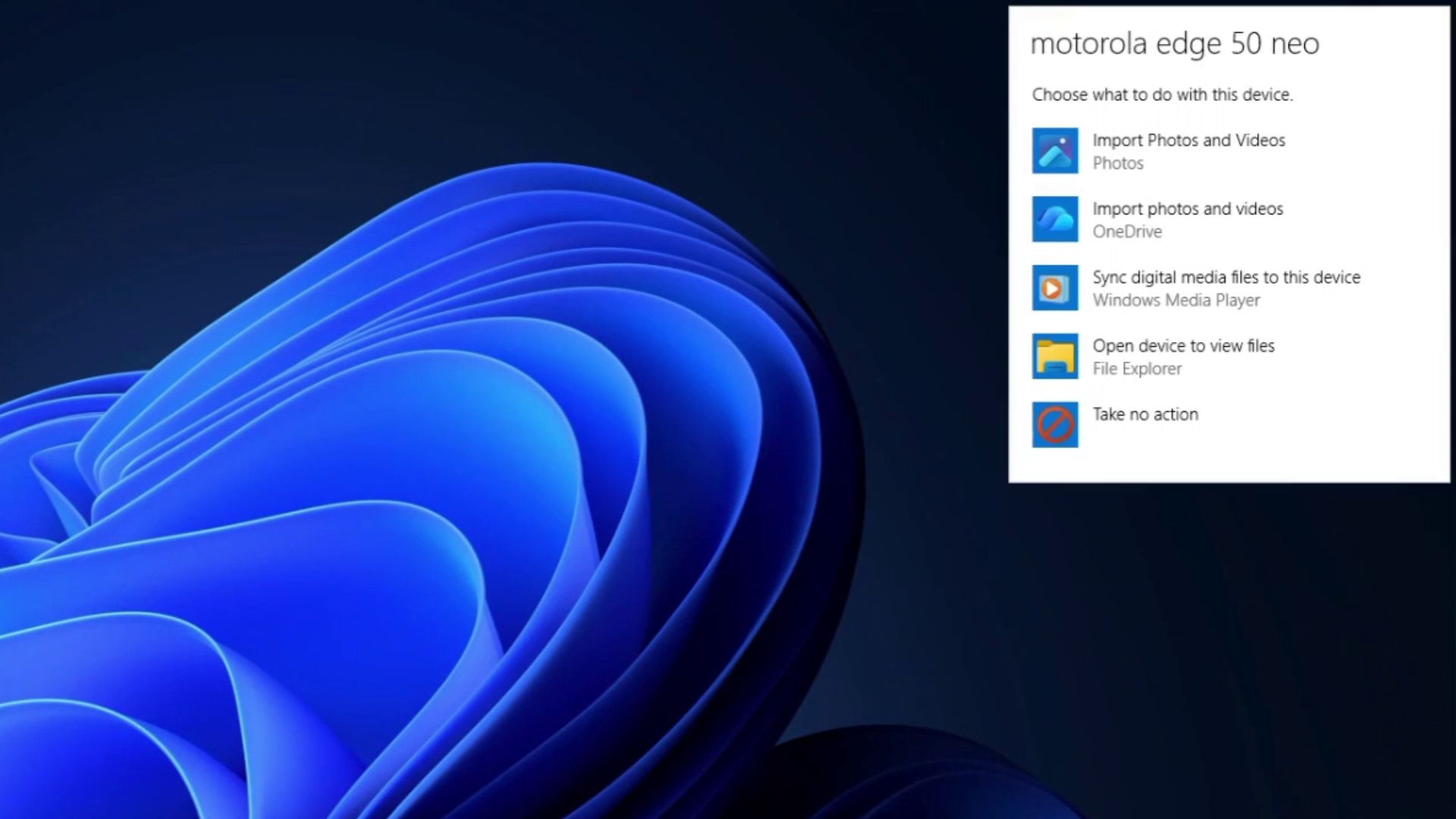
I am sure you’ve all seen it at some point when using Windows 11, and if you have a bit of understanding of how WinUI/Fluent Design is supposed to look, you’d immediately notice that the AutoPlay dialog is actually the one from Windows 8.
It’s locked to the top-right corner, compared to the centre of the screen we had in Windows 7, and it’s also not possible to have an “Always” remember my choice option.
Now, take a look at the new AutoPlay dialog coming to Windows 11:
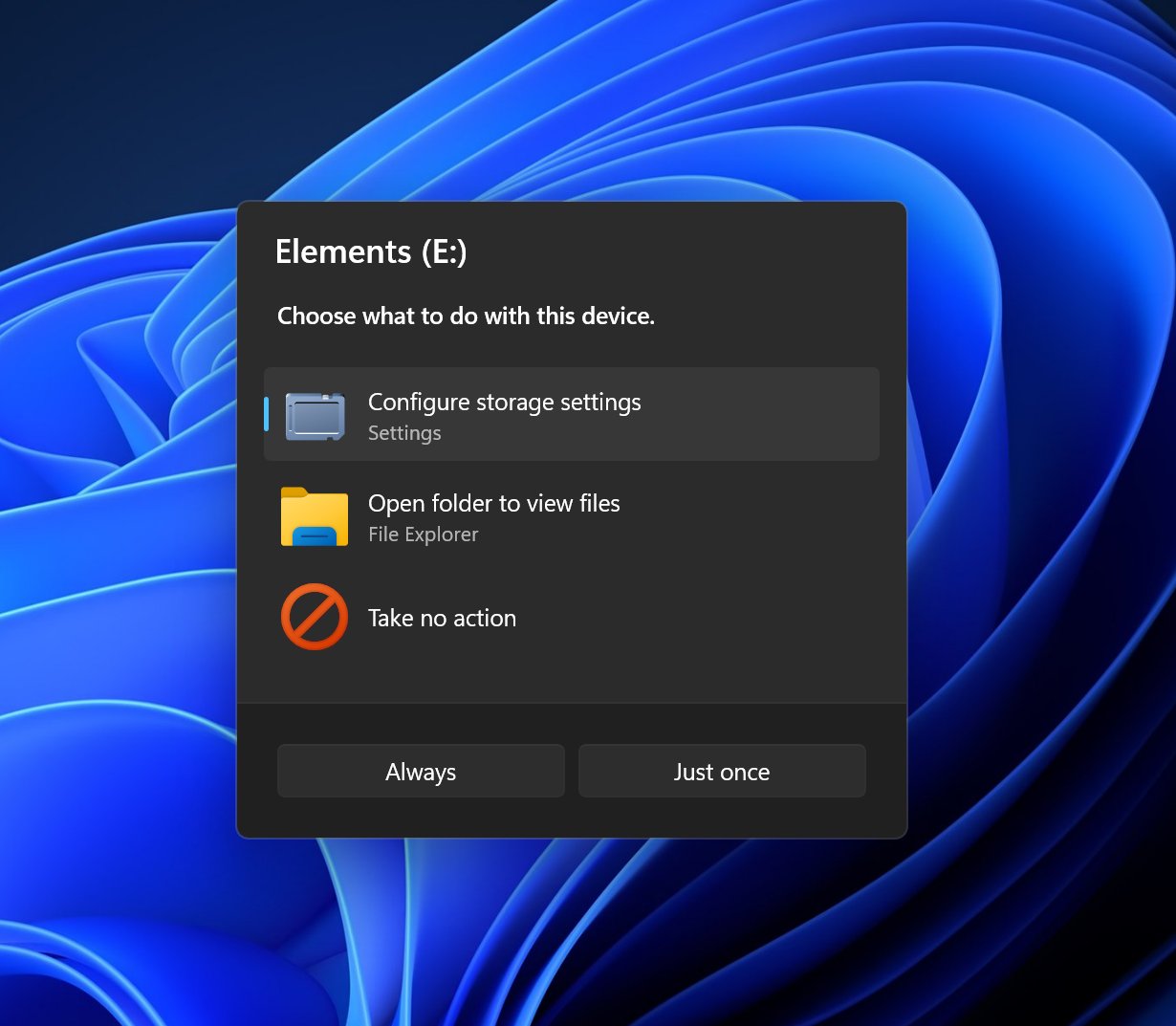
It’s beautiful if you like WinUI, but the biggest change isn’t just how it looks. It’s also that it’s no longer a small flyout tucked into the top-right corner of the desktop.
I really hated that placement, but it actually made sense on a Windows 8 device, which was optimized for touchscreens. You’d already have your hand around the right side for the Charms bar, after all.
In the next update, Microsoft plans to turn AutoPlay into a proper dialog that opens in the centre of the screen, similar to how AutoPlay worked back in the Windows 7 days. It also looks much more consistent with Windows 11, with a dark background, rounded corners, larger icons, and more spacing between each action.
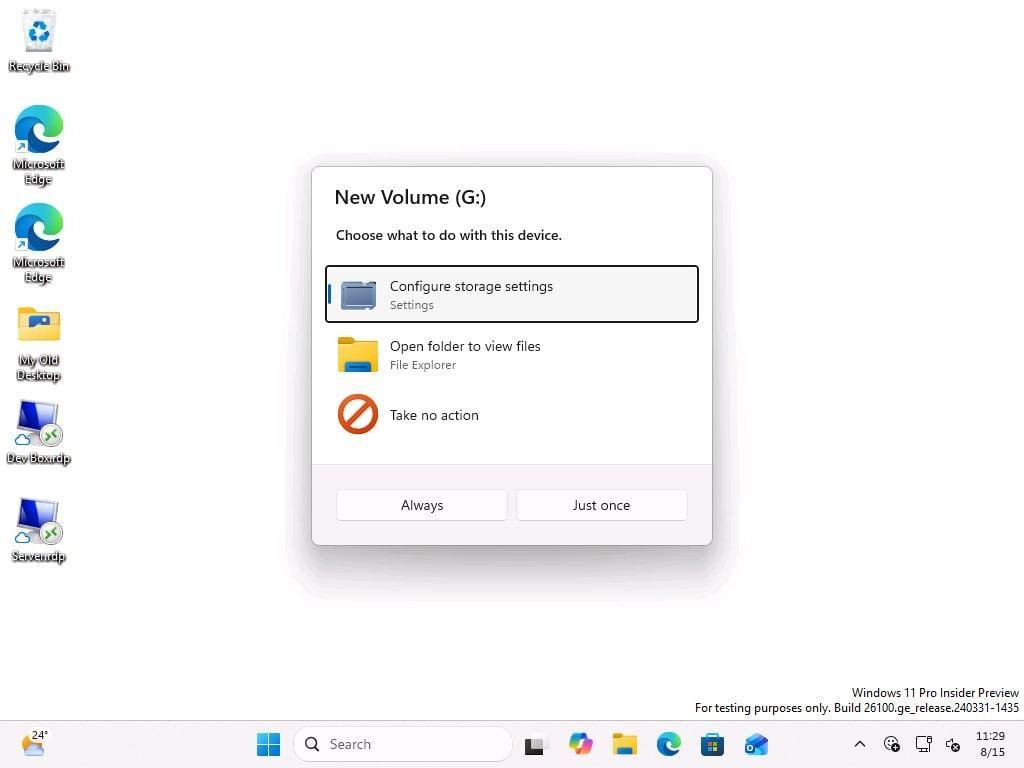
Windows Latest also noticed that the new AutoPlay dialog gives you a choice between “Always” and “Just once.” You can first select what you want Windows to do with the connected device, such as opening File Explorer, and then decide whether Windows should remember that choice or use it only this time.
Windows 11’s redesign efforts go beyond a single dialog
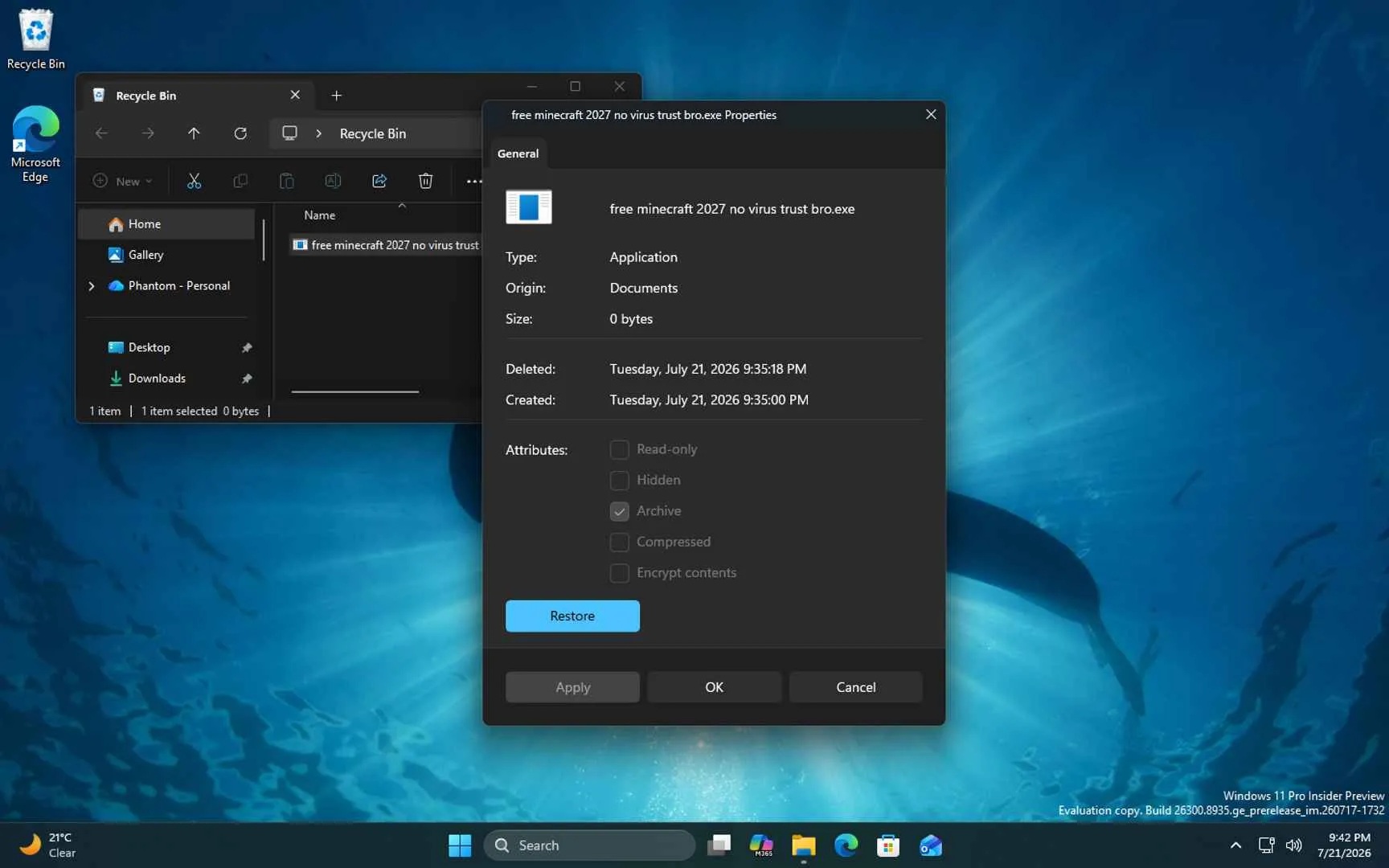
AutoPlay is not the only feature getting a new look in Windows 11, as we also have the Properties sheet (right-click any folder or file, select Properties) getting a new WinUI-based revamp.
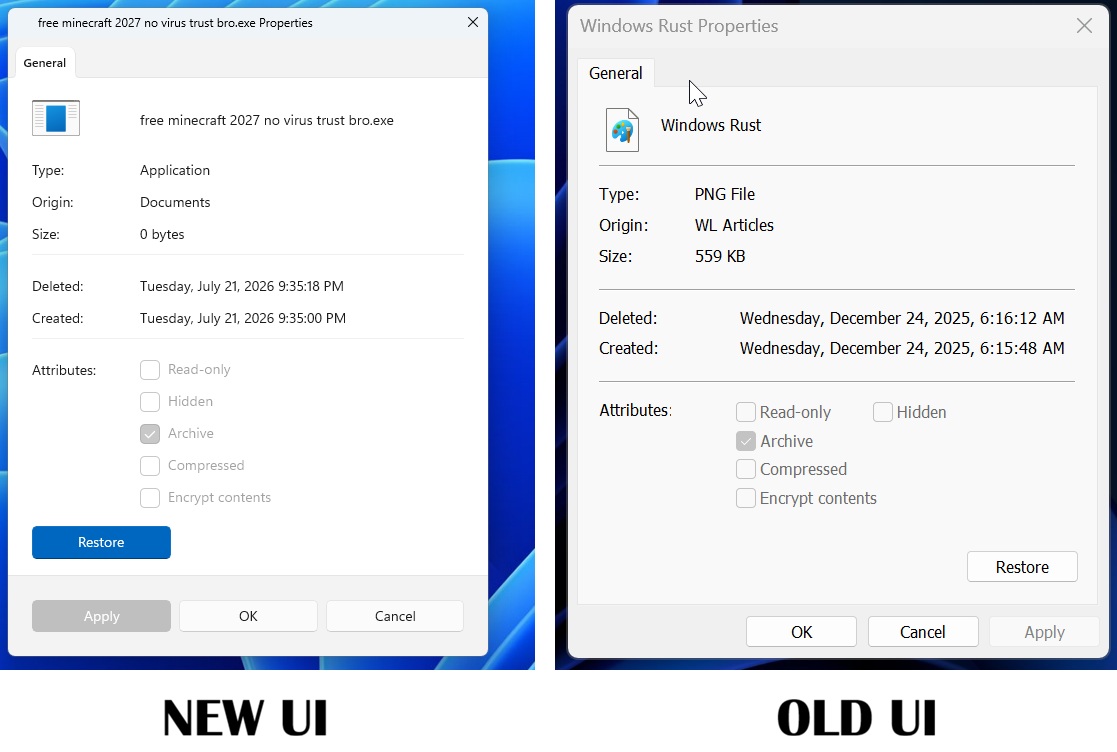
The current implementation in the preview builds is early, and it doesn’t look great because of extra padding. But as we get closer to release, it’ll get better.
At this point, I am convinced that Windows 11’s 2026 revival efforts are different, and Windows boss Pavan has really delivered on it.
We don’t see anything in the public builds yet because it’s all being tested, and some of the highly anticipated changes, such as the movable taskbar and Windows Search without Bing, begin shipping in September 2026 with Patch Tuesday.