





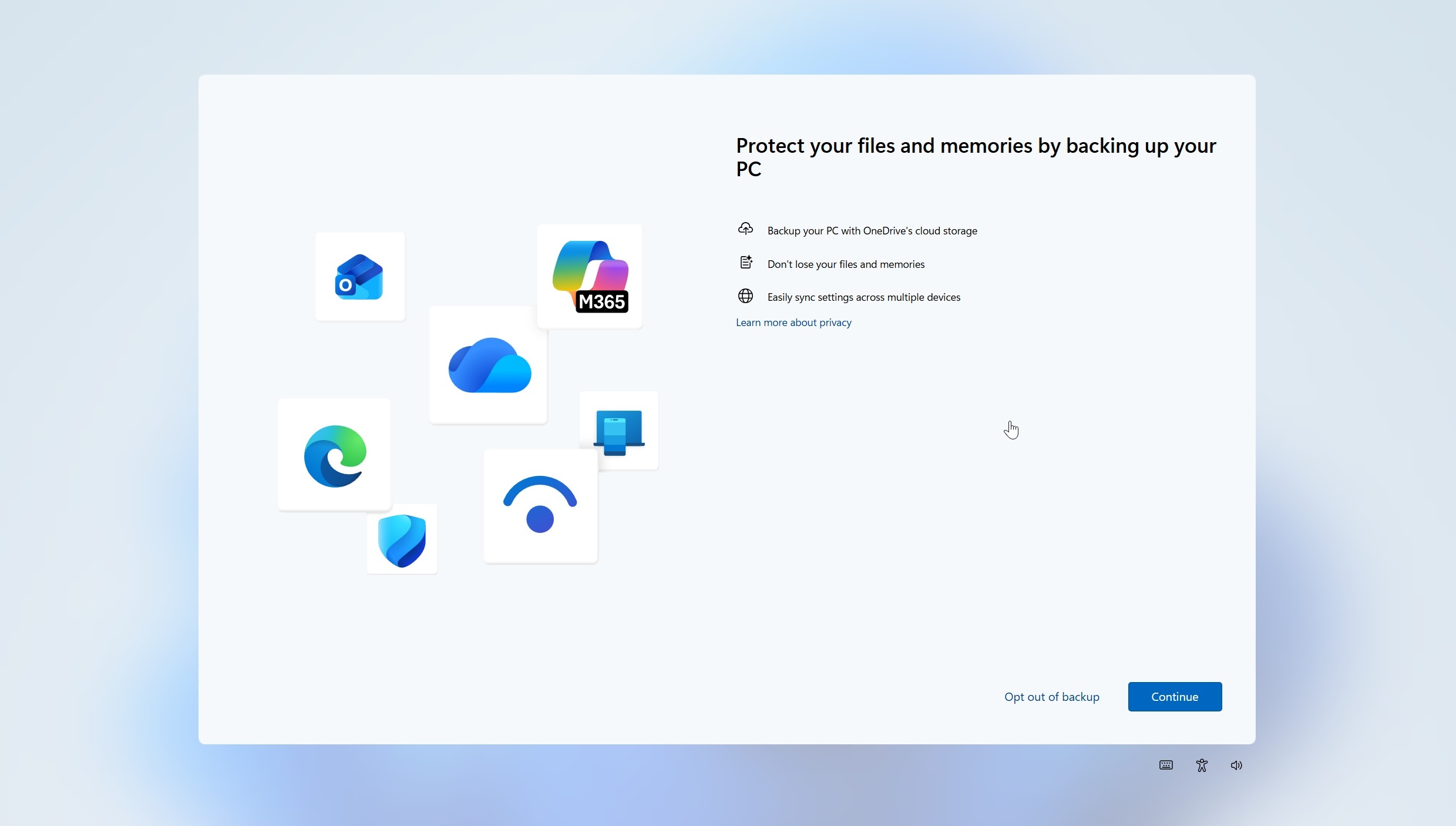
Microsoft had a change of heart, as Windows 11 has finally dropped one of its worst dark patterns, where you could never permanently dismiss OneDrive backup alerts. A new full-screen alert, which previously did not allow you to reject OneDrive, is being sent out to users, and it now has an “Opt out” button.
This week, when I turned on two of my PCs running stable builds of Windows 11 25H2, a full-screen pop-up appeared and asked me if I’d like to “Opt out of backup” or continue with OneDrive. I do not have the OneDrive sync client on these PCs, but Windows is configured to back up files, folders, settings, and credentials through the Windows Backup app.
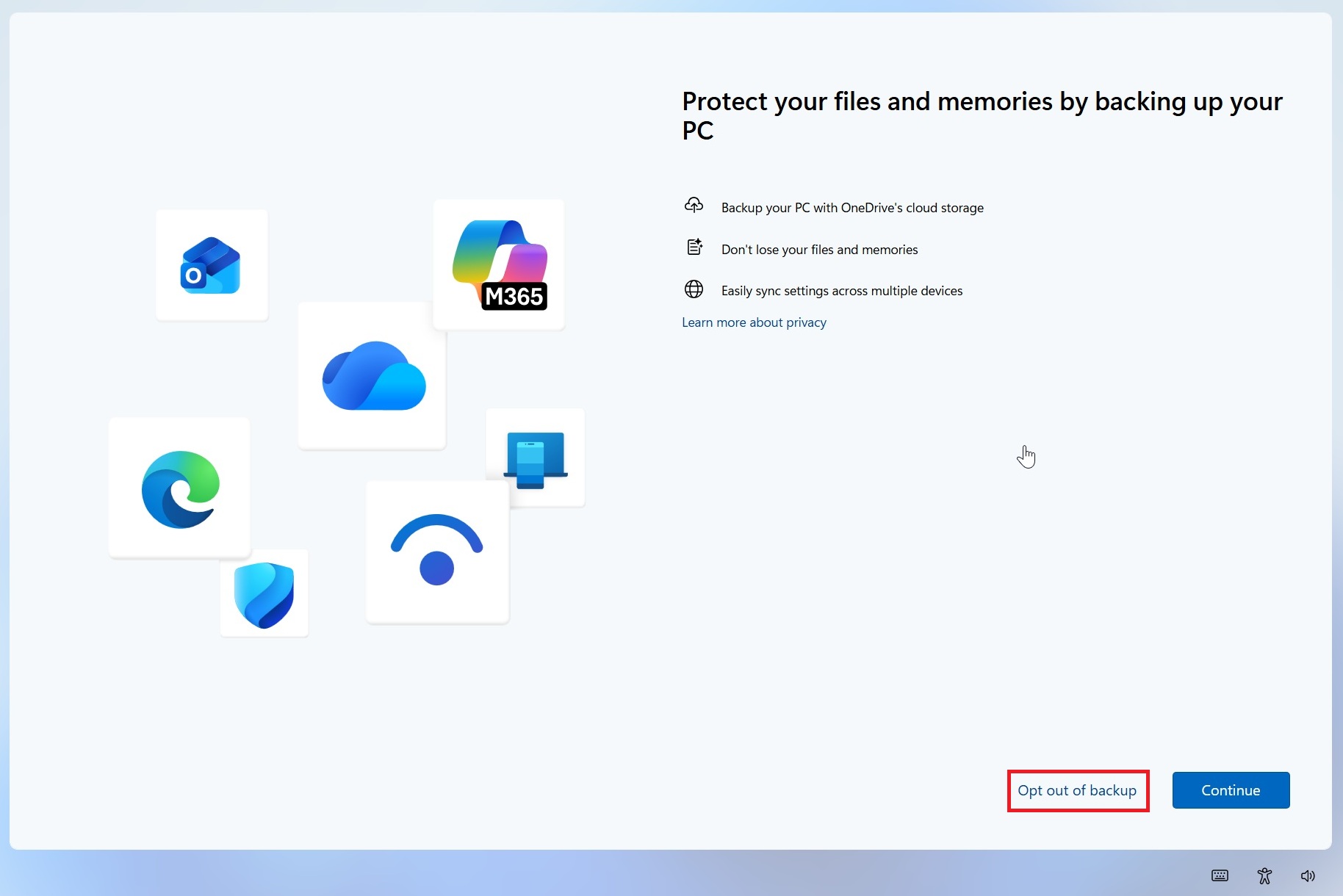
Microsoft still recommends OneDrive to “protect your files and memories by backing up your PC,” and lists three benefits of this integration on Windows 11:
- Back up your PC with OneDrive’s cloud storage
- Don’t lose your files and memories
- Easily sync settings across multiple devices
But the biggest change is the prominent “Opt out of backup” button, which means you can now explicitly tell Windows that you do not want to use OneDrive.
Existing Windows 11 PCs previously only had “Remind me in 3 days” or Remind me later options
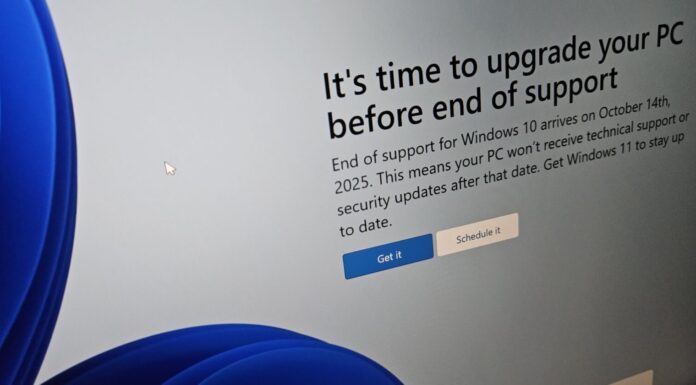
Previously, when this full-screen experience appeared on an existing PC, you were typically asked to either Continue, which just enabled OneDrive and started syncing everything before you could figure out how to disable it, or select “Remind me in 3 days.” If you selected the reminder option, Windows would simply bring the screen back later.
Here’s a screenshot showing one of those old full-screen nudges:
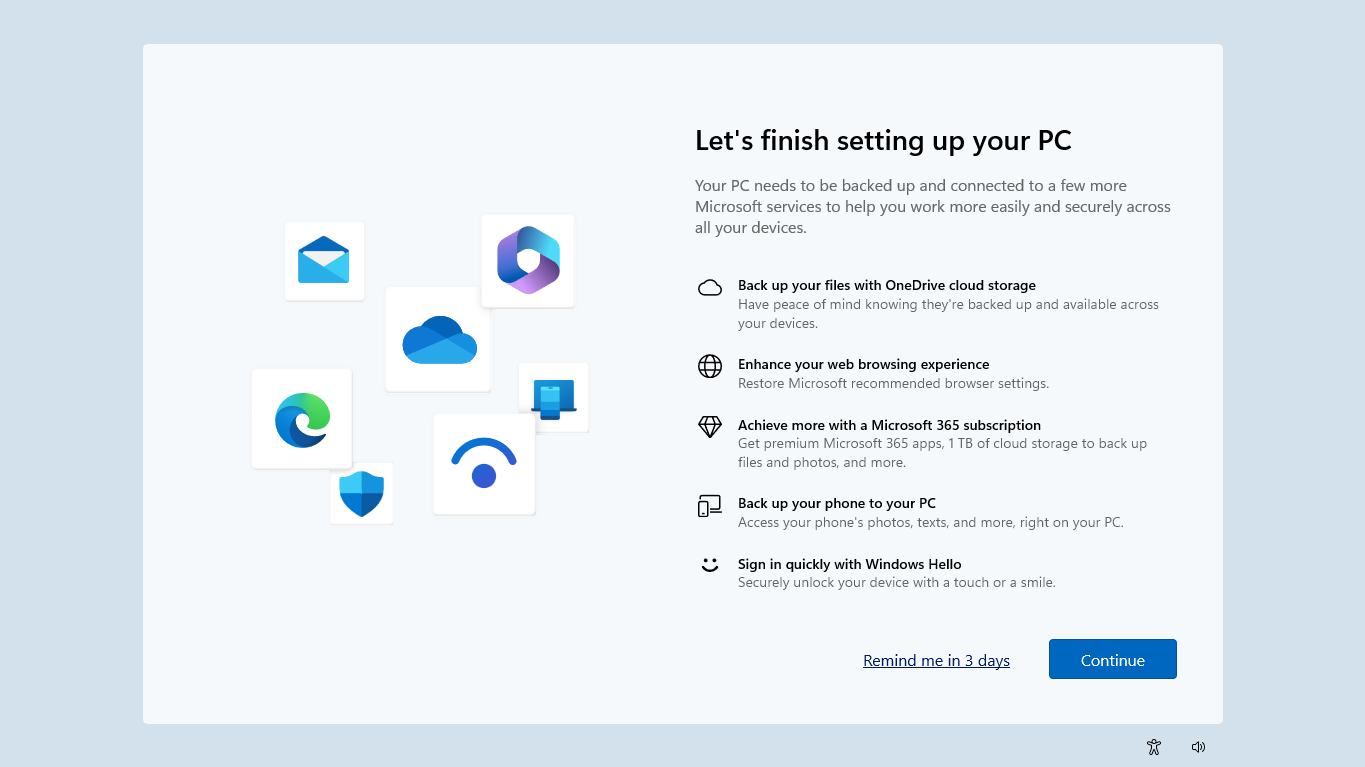
There was no permanent way to reject the backup from this screen. You could continue with OneDrive or ask Windows to remind you again later. The new full-screen experience I received on my existing PCs replaces that loop with an actual “Opt out of backup” option.
Windows 11 setup also pushed OneDrive with “Skip for now”
Microsoft used a similar approach when setting up a Windows 11 PC for the first time or after a clean installation. Instead of an obvious opt-out button, it asked you to sync everything to OneDrive or choose to do it later.
For example, the screenshot below shows a device/virtual machine I am setting up for the first time. There’s a screen called “Backup is recommended,” where I have the choice to Continue (enable OneDrive) or choose “Skip for now.”
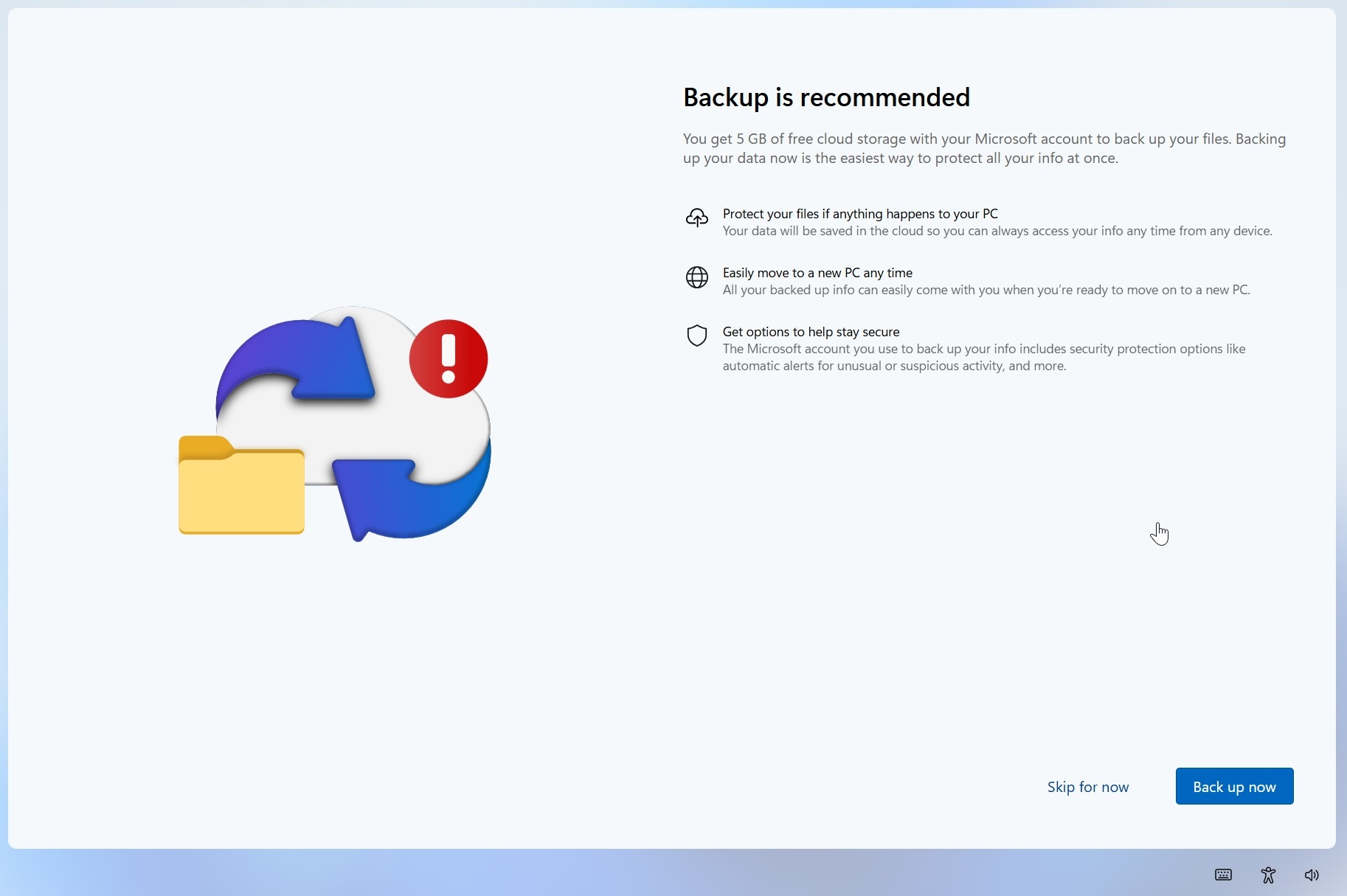
“Skip for now” was not a permanent refusal. In our tests, we previously observed that Microsoft could bring the backup nudge back later, at which point you could again end up with options such as “Remind me in 3 days” rather than simply telling Microsoft that you did not want OneDrive backup.
In both cases, there was no obvious “No, I don’t want this” option, and it’s been documented hundreds of times on Reddit or Microsoft forums. OneDrive pop-ups kept reappearing, whether after a Windows update or out of nowhere, especially when you shut down and turned on your PC or casually rebooted it.
The new “Opt out of backup” option is much clearer and, unlike “Remind me in 3 days” or “Skip for now,” appears to be intended as an actual refusal rather than another snooze button.
And this is how it should have worked from the beginning. Microsoft can recommend OneDrive as much as it wants, and there are benefits to having files backed up in the cloud, but Windows should also make it equally obvious when you don’t want your files backed up to OneDrive.
You shouldn’t have to hunt for hacks to disable OneDrive or dismiss the same full-screen prompt every other day.
At the same time, Microsoft was recently caught installing OneDrive Photos on Windows 11 and 10 PCs. The company defended itself, calling it a mistake, as the rollout was wider than it wanted. But that OneDrive app was rolled back after the backlash, and Microsoft promised it would be more careful going forward.
If anything, Microsoft is listening, but all of that should have been obvious to the trillion-dollar company.