





Windows 11 has rolled out multiple new features, including a resizable Start menu, a movable taskbar, the ability to remove Bing from Windows Search, and major performance improvements. But the catch is that most of us do not see anything visibly different after these monthly upgrades, and Microsoft’s research boss has finally responded.
“We’ve been hearing from people who want friends and family to try the latest Windows features once they’re broadly available, but sometimes they don’t show up right away when checking for updates,” writes Marcus Ash, design and research boss for Windows & Devices.
Although Marcus insists that features “sometimes” don’t show up after updates, it’s a far-fetched statement, and I’ve got to disagree with Microsoft. In our tests and based on feedback from our readers, Windows 11’s monthly improvements don’t show up most of the time.
And I am not making this up. There are hundreds of complaints on places like Microsoft’s own Feedback Hub and Reddit. For example, one frustrated Windows user noted that they can only read Microsoft’s announcements, check Windows Update, and end up getting nothing.
“I honestly thought that it’s just my Windows issue; something is blocking updates. But no, just extremely late rollout,” a Surface Pro 9 owner wrote.
“Like for real, this is getting annoying. Why do I need to wait 2-3 months for a feature to come available on my PC? And why do I need to use a 3rd-party app to force enable it? What do you even gain when you hold up a feature for millions of PCs? No diagnostics, no analyzing, no nothing,” another noted.
In response, Microsoft says it’s aware of the concern, but insists that gradual rollouts are not a bad thing, as they allow the company to ensure stability.
Marcus Ash also noted that updates happen in “waves,” so even if you’ve installed an update, let’s say the September 2026 Update, which has the movable taskbar, nothing may show up right away. You might get it automatically a few weeks later when the next wave kicks in.
Microsoft does not plan to change this approach, but Marcus Ash says you can enable “Get the latest updates as soon as they’re available” in Settings > Windows Update, and you’ll be able to try features earlier.
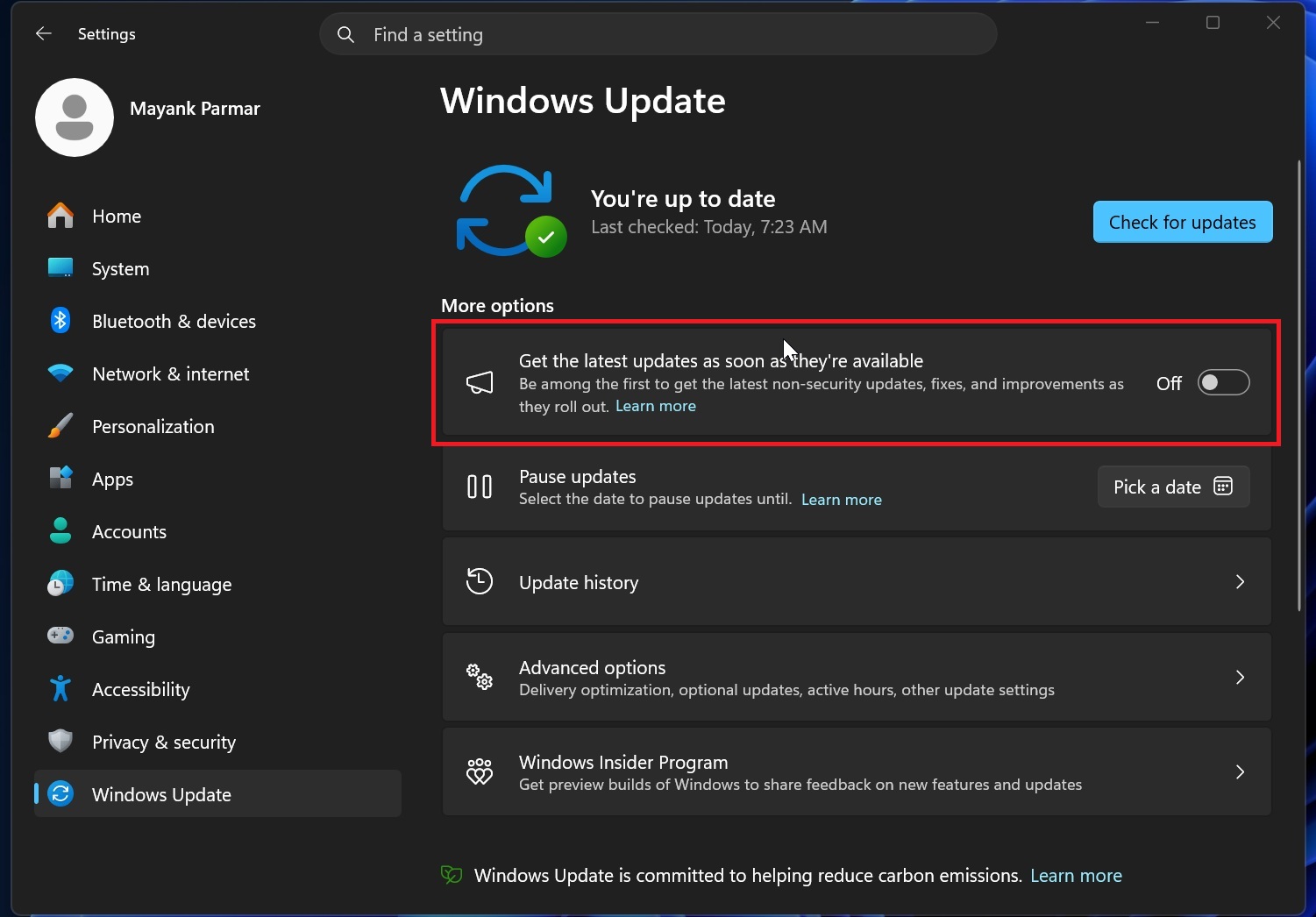
However, our tests found that the toggle does not instantly enable new features, but I can confirm that the “gradual rollout” process prioritizes those who enable the toggle.
“If you’d like to get new features as soon as they’re available for your device, go to Settings > Windows Update and turn on “Get the latest updates as soon as they’re available.” As more Windows Quality improvements make their way into retail builds, this is an easy way to be among the first people to receive them when they’re ready for your device,” Marcus Ash wrote in an X post.
What are the features coming to Windows 11?
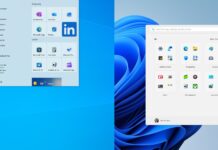
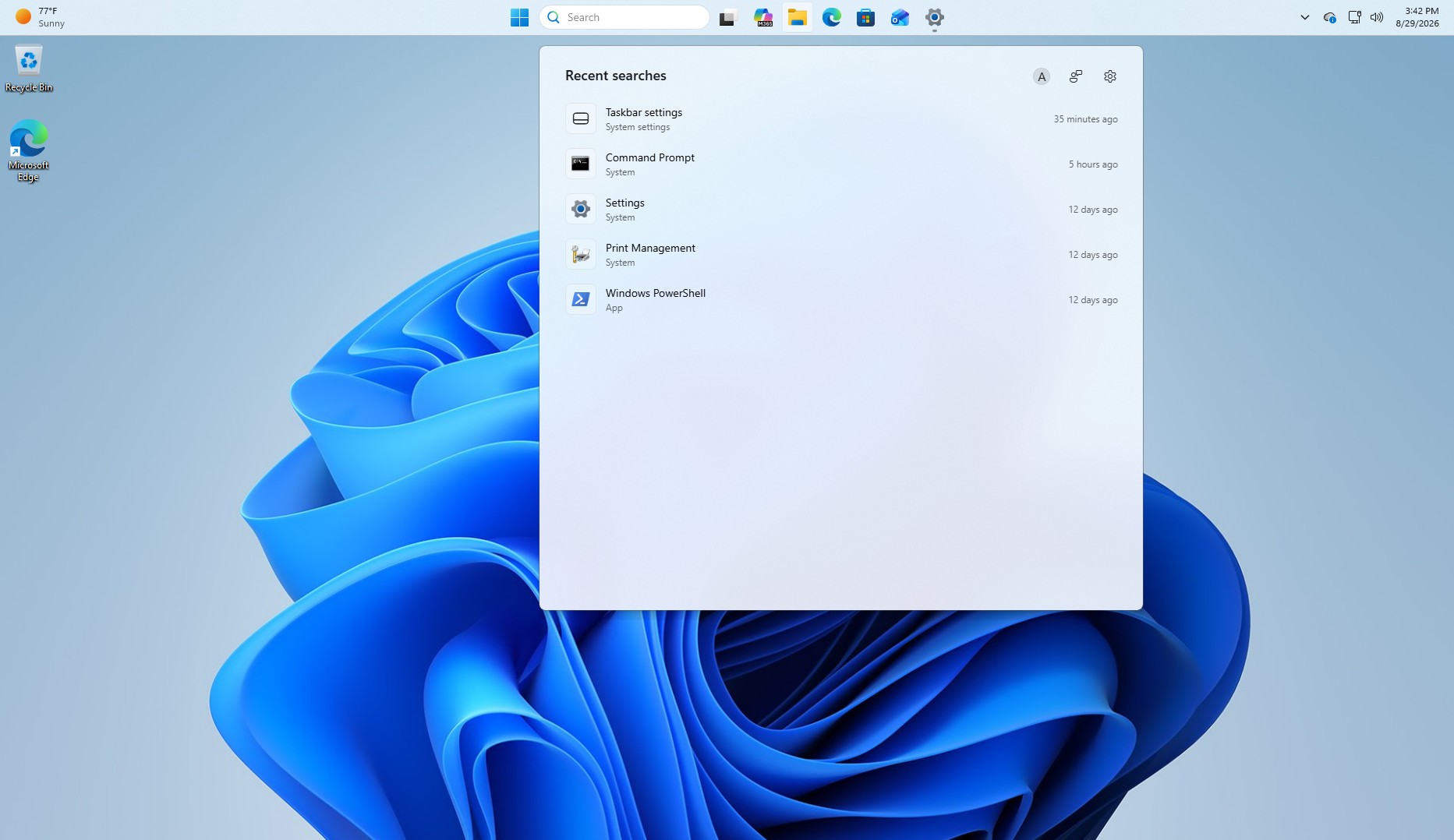
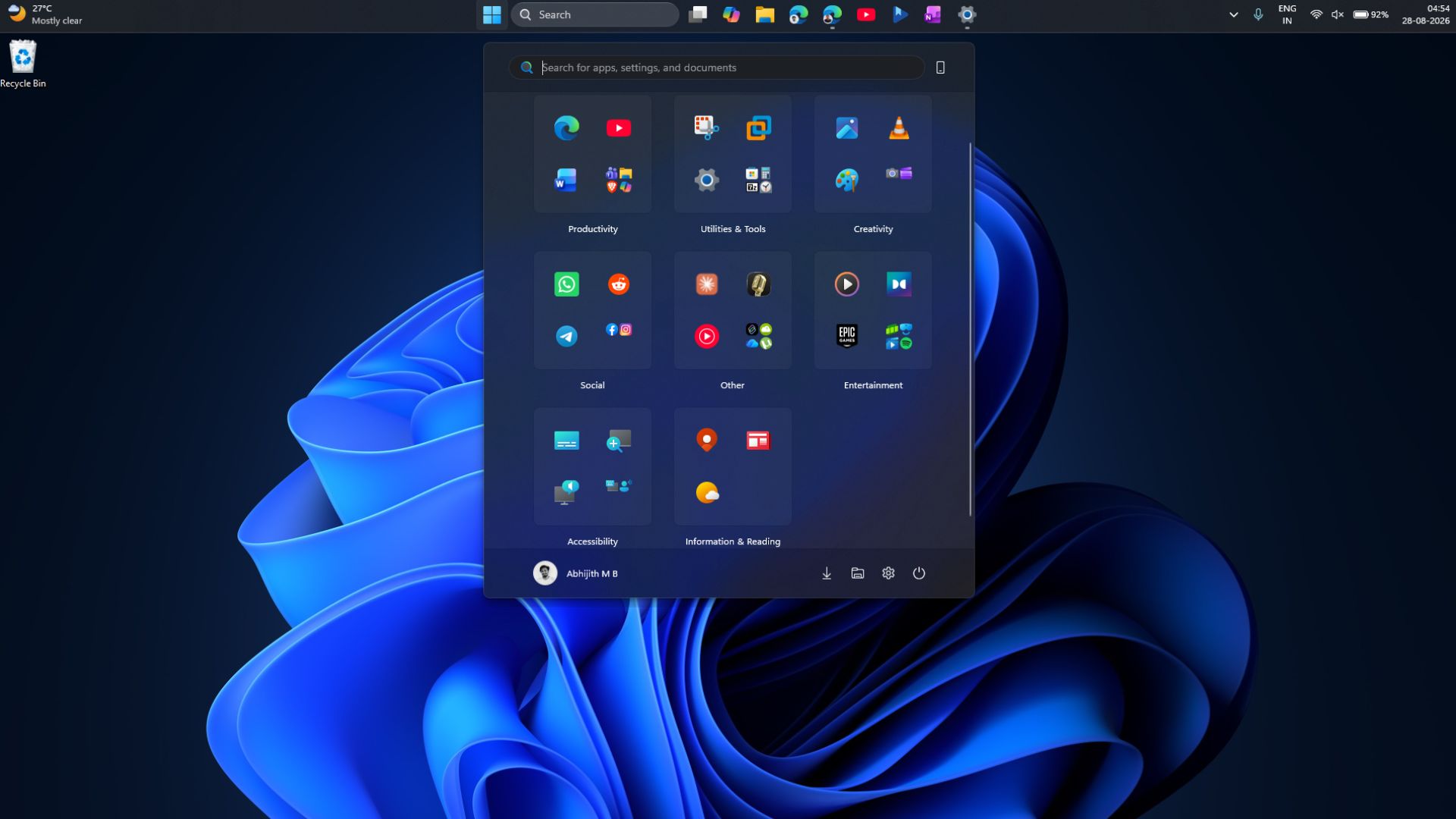
Microsoft has already started rolling out a movable taskbar, a smaller taskbar option, a resizable Start menu, and the ability to turn off Bing results in Windows Search with the September 2026 update.
However, installing the monthly Windows update does not mean you’ll see all these changes right away, and this trend will continue for everything coming in the next few weeks.
The company is working on the following features and improvements, and several are already available to Windows Insiders:
- Microsoft is testing a new customization tool that lets you decide what appears in the context menu (right-click menu. There’s also a faster and cleaner context menu that lets you organize app extensions and display Copy, Delete, and other actions in a vertical list.
- Windows 11 is testing faster File Explorer and better overall responsiveness, with more improvements planned for this fall.
- Microsoft plans to reduce Windows 11’s memory footprint on PCs with 8GB RAM and above.
- An optional WinUI-based replacement for the classic Run dialog brings a refreshed interface and lets you open your user folder by typing ~.
- Microsoft is rebuilding the old Properties dialog with WinUI, adding dark mode and a cleaner layout.
- The pop-up for connected drives is getting redesigned with WinUI 3, dark mode, and styling that matches Windows 11.
- You’ll be able to remap the Copilot key to familiar functions, including Right Ctrl or the Context Menu key.
- Microsoft is testing improvements to Bluetooth connections and headset calls, including more accurate connection status, clearer volume feedback, and fixes for microphone compatibility and LE Audio.