




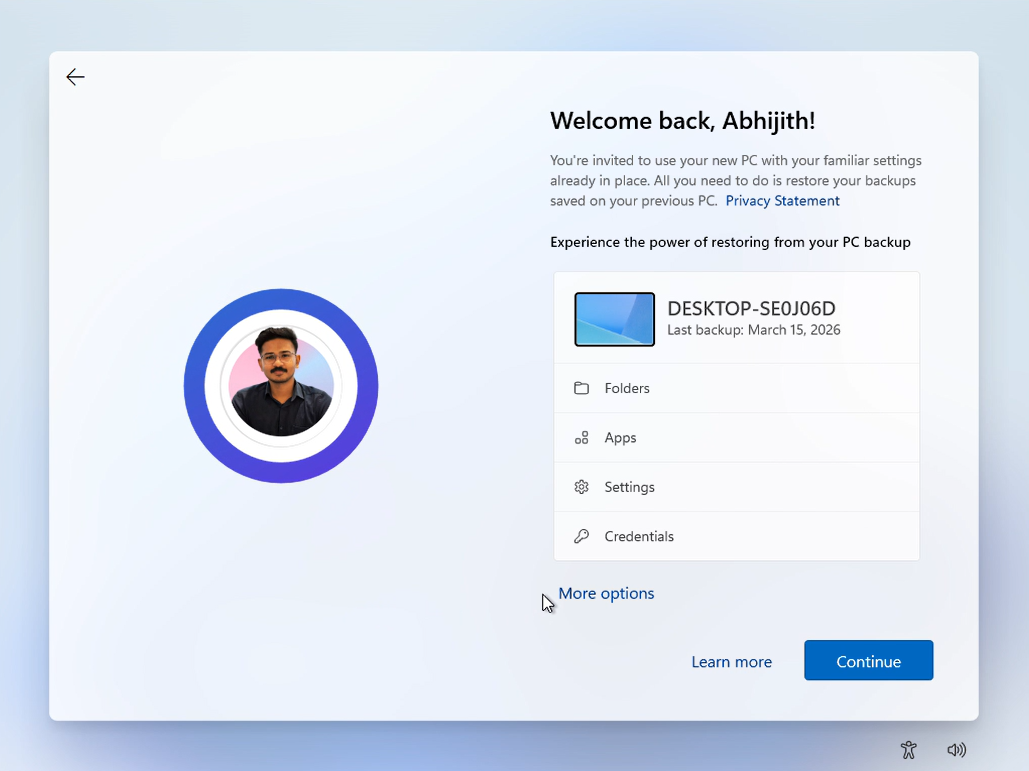
Windows 11’s PC-to-PC Migration, which moved your files and settings from an old PC to a new one over your local network, is no longer available. Microsoft removed it with the September Optional update, and the change reached everyone with the October 13 Patch Tuesday update (KB5127648). Microsoft now wants you to use Windows Backup, which syncs your folders to OneDrive and restores them through your Microsoft account.
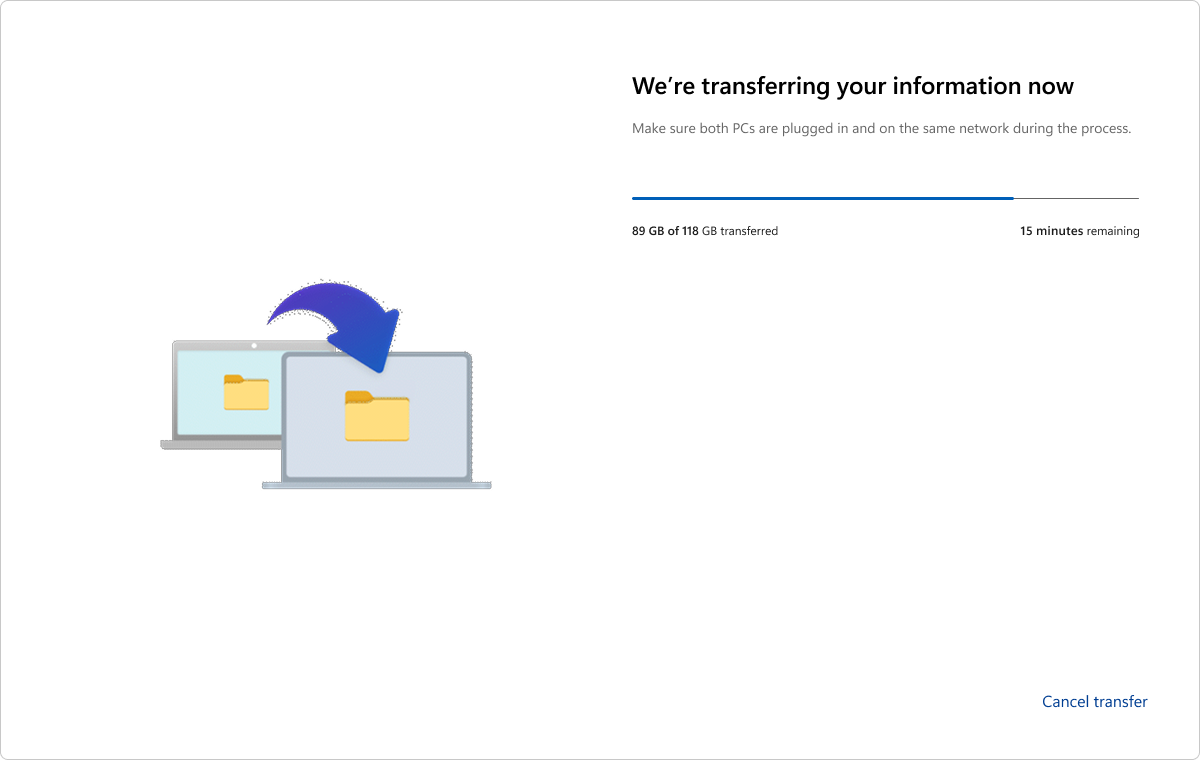
If you’re moving more than OneDrive’s free 5GB, or you don’t want your personal files in the cloud, Windows no longer has a guided way to help. Ironically, Microsoft’s screenshots of the now-deprecated PC-to-PC Migration tool show it moving 118GB of files in one go.
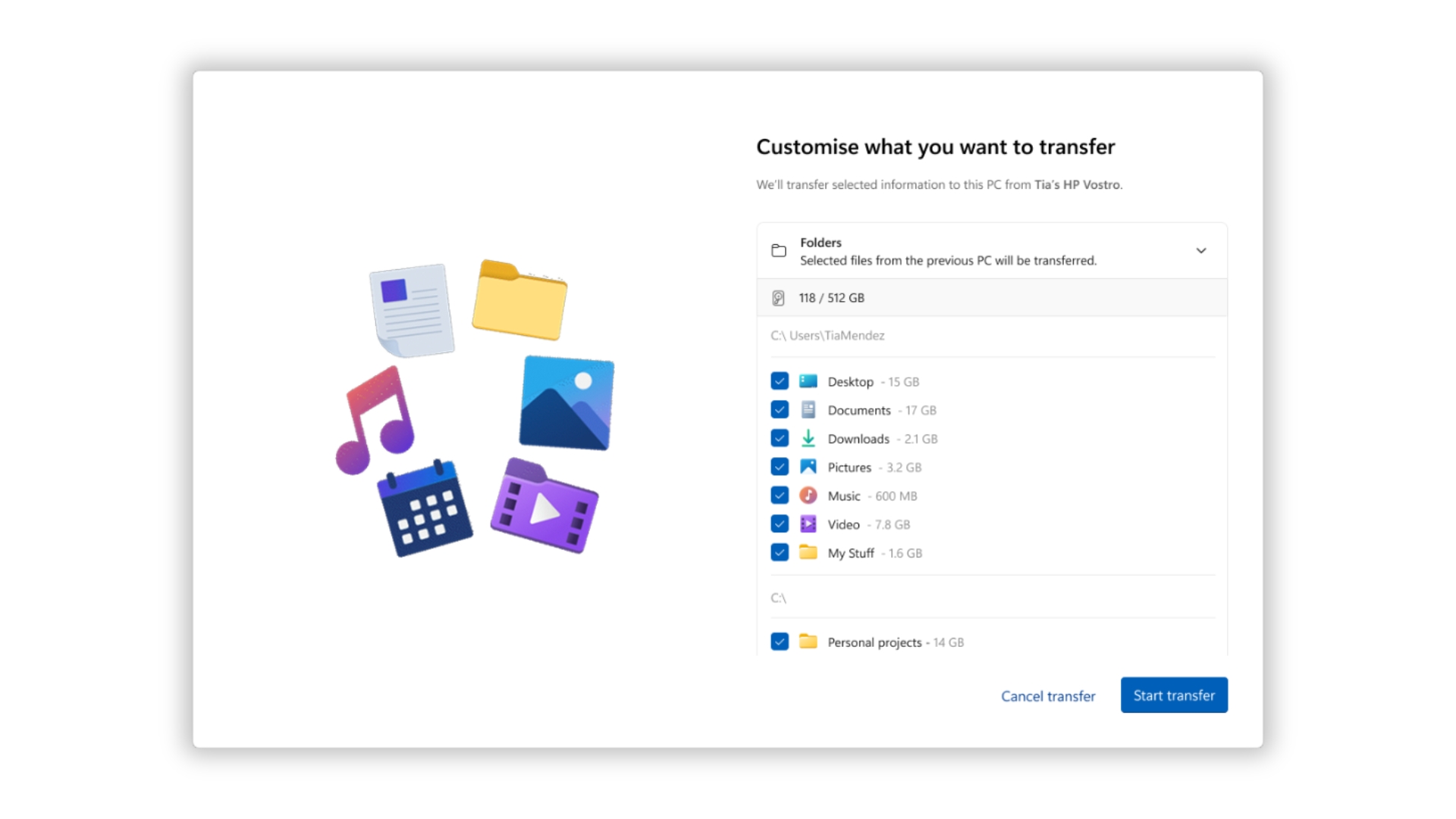
Microsoft confirms Windows 11’s PC-to-PC Migration is gone, nudges users to Windows Backup
In the KB5124010 release notes, Microsoft says, “PC-to-PC Migration is no longer available. This feature, introduced through a phased rollout, previously allowed you to transfer files and settings directly from your previous PC when setting up a new Windows PC.”
The company’s recommendation is pretty obvious. “To back up and restore your files, settings, and other supported items when moving to a new PC, use Windows Backup.” Since the October 2026 Patch Tuesday update (KB5127648) includes the September preview changes, the tool is gone from regular Windows 11 PCs as well, though Microsoft lists this as a gradual rollout.
We spotted the removal in September, and the PC-to-PC transfer support page now rather frigidly says, “This feature is no longer available. Use Windows Backup and Restore instead.”
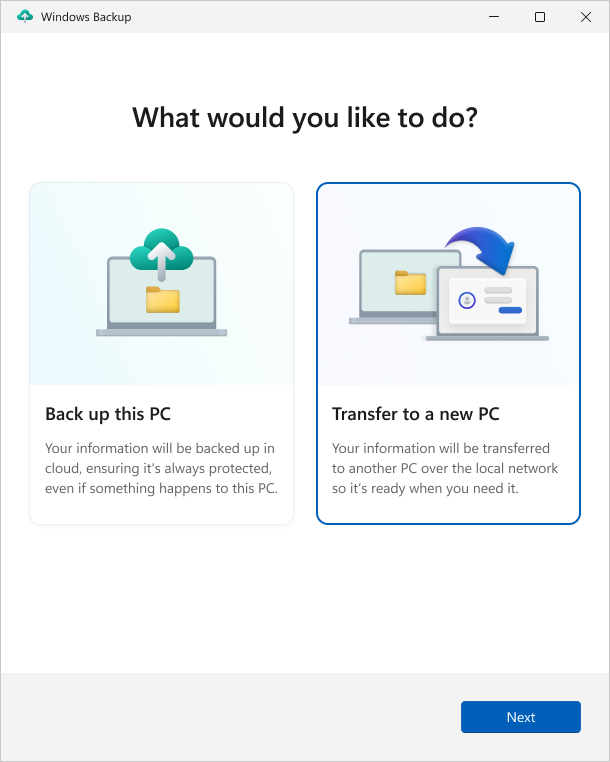
Microsoft hasn’t said why they pulled an impressive and useful feature. But with the local option gone, the only guided way to move to a new Windows 11 PC now goes through OneDrive. You can still copy files with a USB drive, an external disk, or a network share, but you’re on your own there.
Windows Backup and OneDrive can’t replace a local PC-to-PC transfer
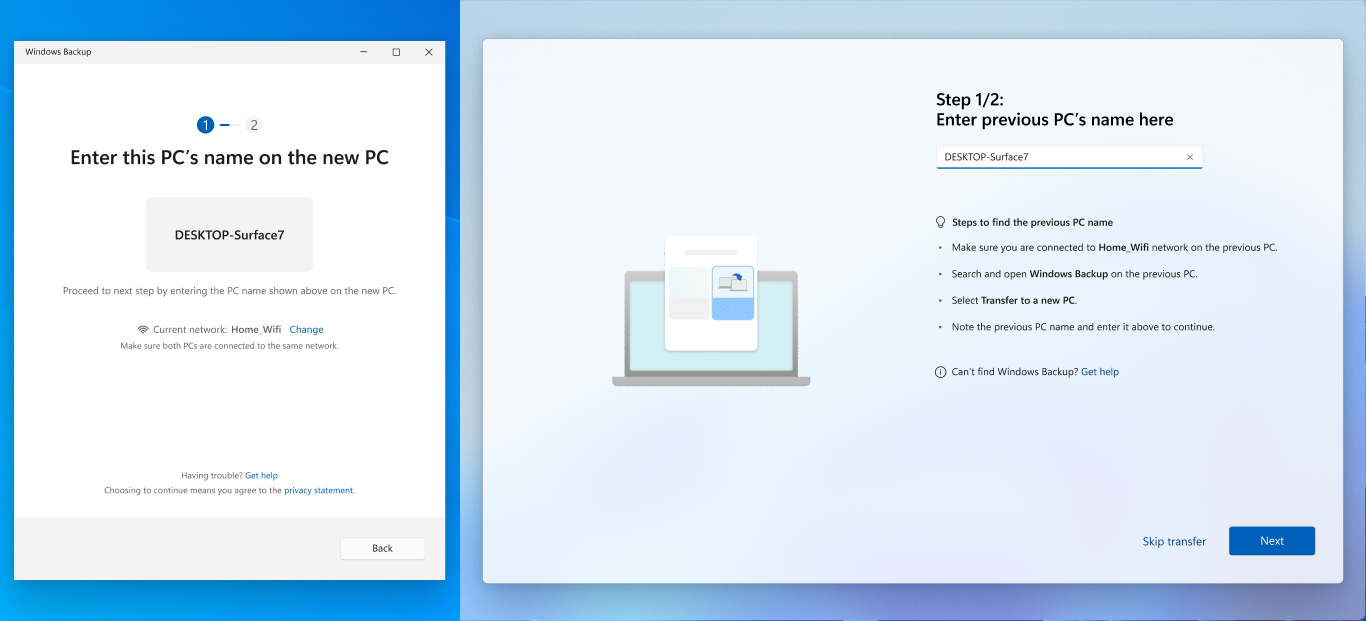
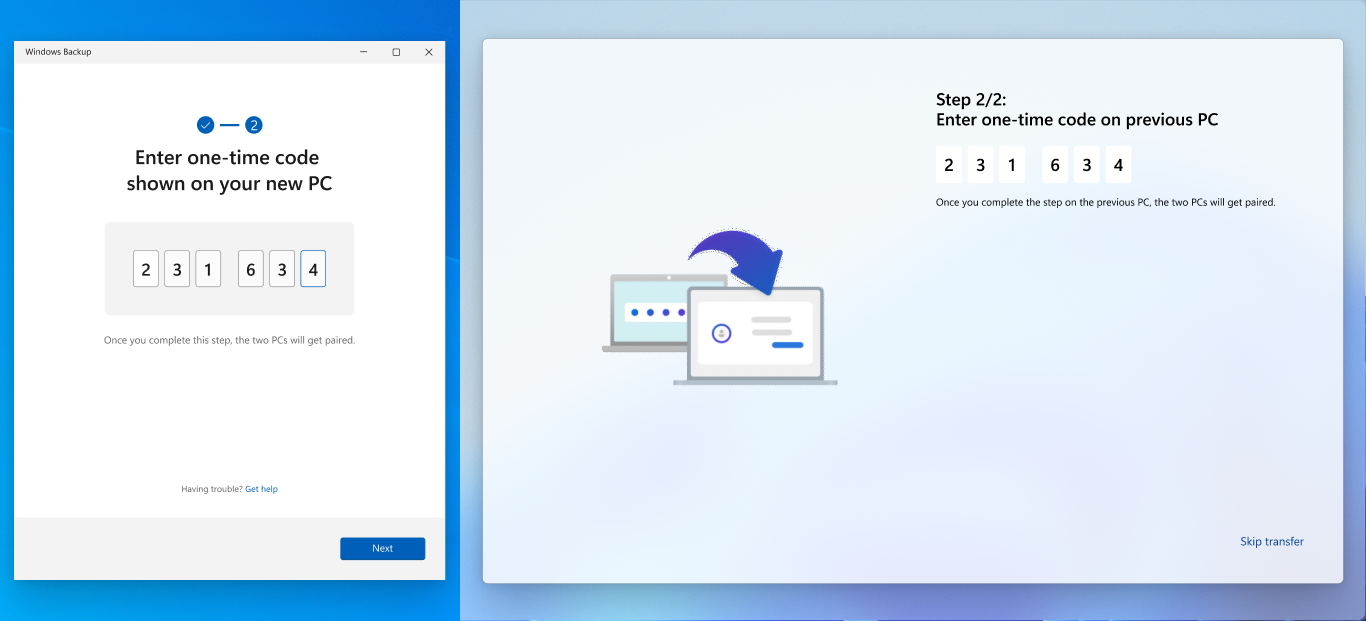
PC-to-PC Migration ran during the new PC’s setup. You paired both PCs with the old PC’s name and a one-time code, picked your folders, and let the transfer run over Wi-Fi or Ethernet. The old PC could run Windows 10 or Windows 11, while the new one needed Windows 11, version 2024 or later.
It wasn’t perfect. According to Microsoft, it skipped installed apps, saved passwords and sign-in credentials, OneDrive files, BitLocker-encrypted drives and system folders like Program Files. But it could move files “saved across folders or drives,” including Downloads and custom folders outside your user profile. That said, the software giant could’ve continued development to make this work better.
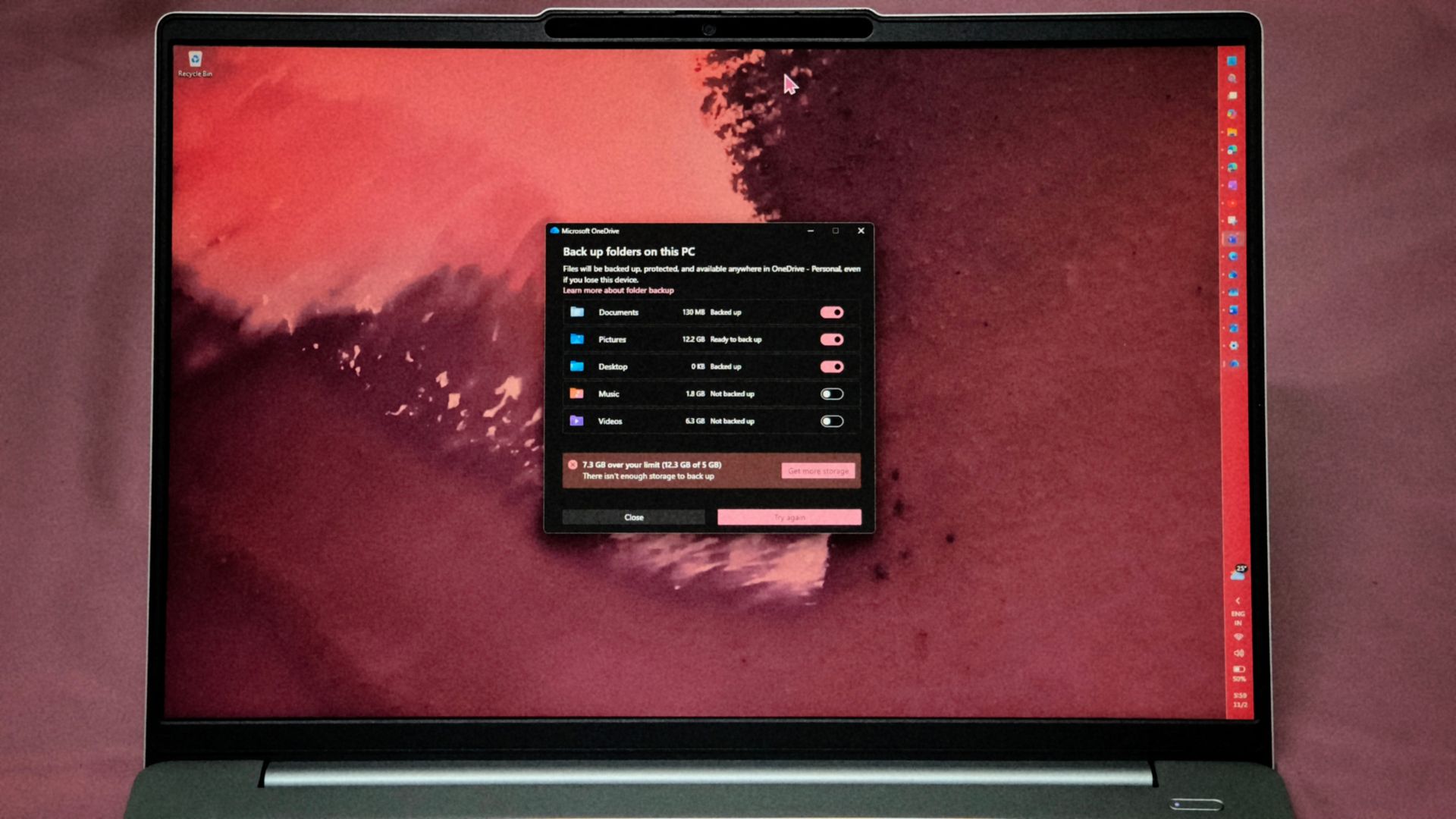
Windows Backup needs a personal Microsoft account (work and school accounts are out), and the folders it backs up, Desktop, Documents, Pictures, Videos and Music, sync to OneDrive. A free account gets 5GB of storage, and anything beyond that means you’ll have to pay for more, which is quite unreasonable when the company killed their only alternative that worked for free.
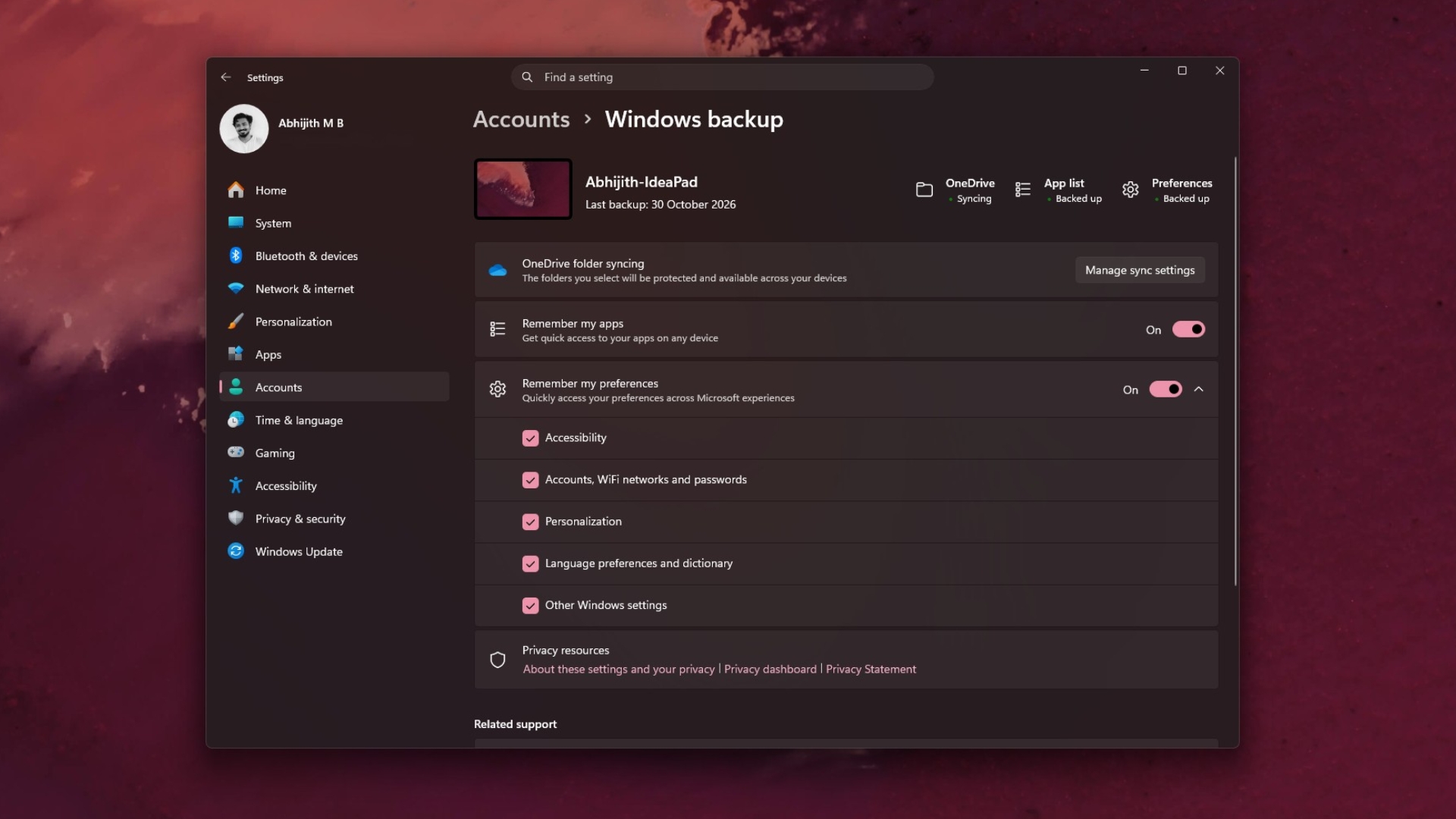
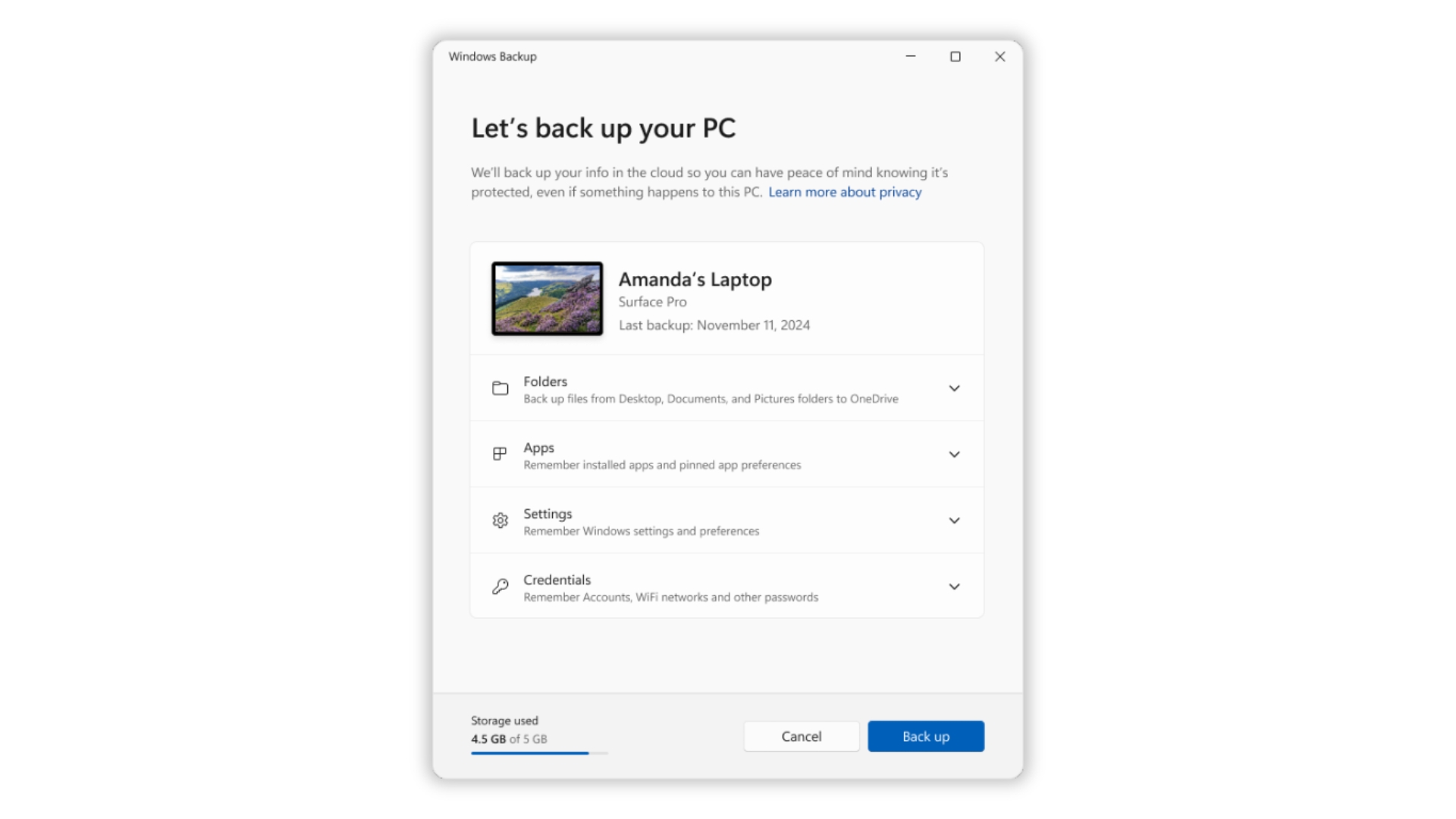
Credit where it’s due, Windows Backup remembers things the local tool didn’t, like your installed apps, Wi-Fi networks, and passwords, and you can restore all of it on any PC. Note that apps still need to be reinstalled from their pins.
Here’s how PC-to-PC Migration and Windows Backup compare:
| PC-to-PC Migration | Windows Backup | |
|---|---|---|
| Transfer method | Local Wi-Fi or Ethernet | OneDrive cloud sync |
| Storage limit | Space on the new PC | 5GB free on OneDrive |
| Folders | Any folder or drive | Five user folders |
| Apps | Not transferred | App list, reinstall needed |
| Passwords and Wi-Fi | Not transferred | Backed up |
| Status | Removed | Available |
Here’s a funny analogy: one feature is a backup service, and the other was a moving truck. But Microsoft just told you to rent storage!
Microsoft brought back Windows 7’s Easy Transfer, then killed it in a year
If you remember Windows Easy Transfer from the Windows 7 days, this was its spiritual successor. We first spotted Windows 11 testing it in May 2025, and Microsoft confirmed the rollout in its June 2025 Insider blog, saying, “We are releasing in phases for a smooth experience and will provide more details soon.”
By July, Microsoft had a full support document explaining how it works. Just over a year later, the feature was gone, first from Release Preview builds on September 10, then from the optional update and October’s Patch Tuesday.
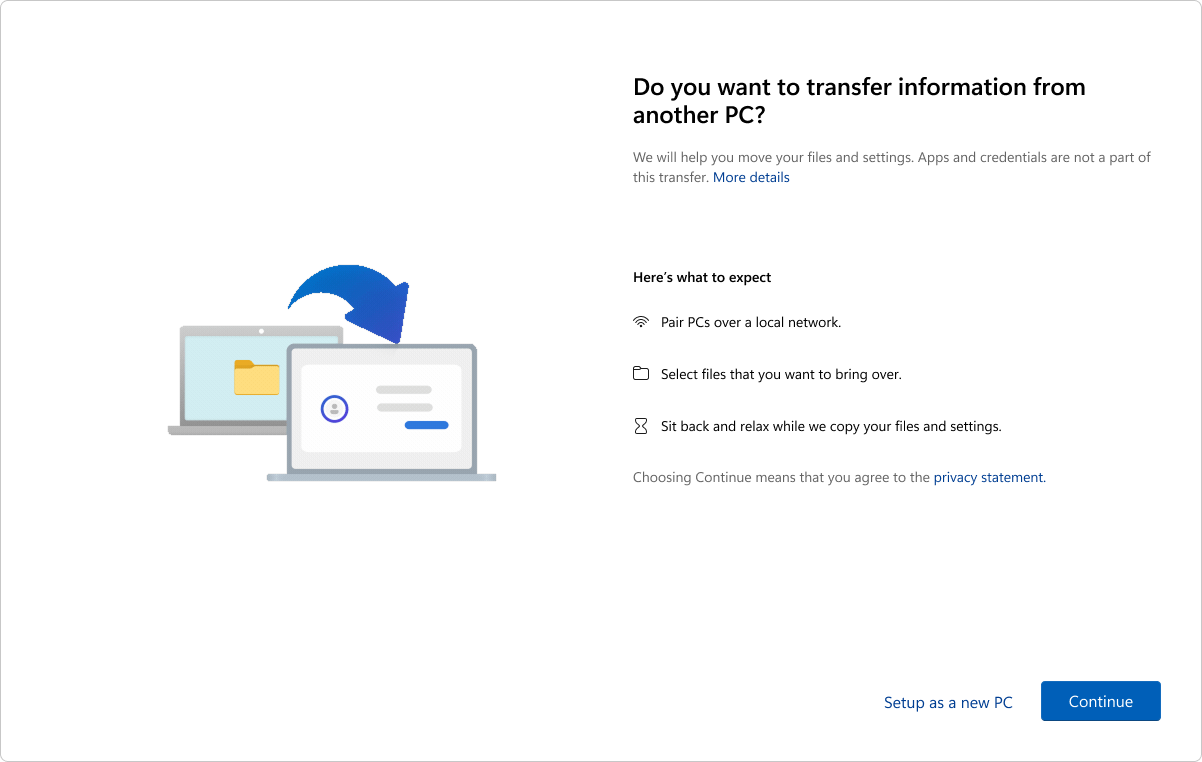
What boggles me is that Microsoft spent a lot of engineering resources building and documenting a fix for one of the oldest annoyances of setting up a new Windows PC, then dropped it without a word.
Windows Backup is handy if you already use OneDrive. But Microsoft didn’t have to kill the local option to make OneDrive useful. How do you plan to move to your next Windows PC?