







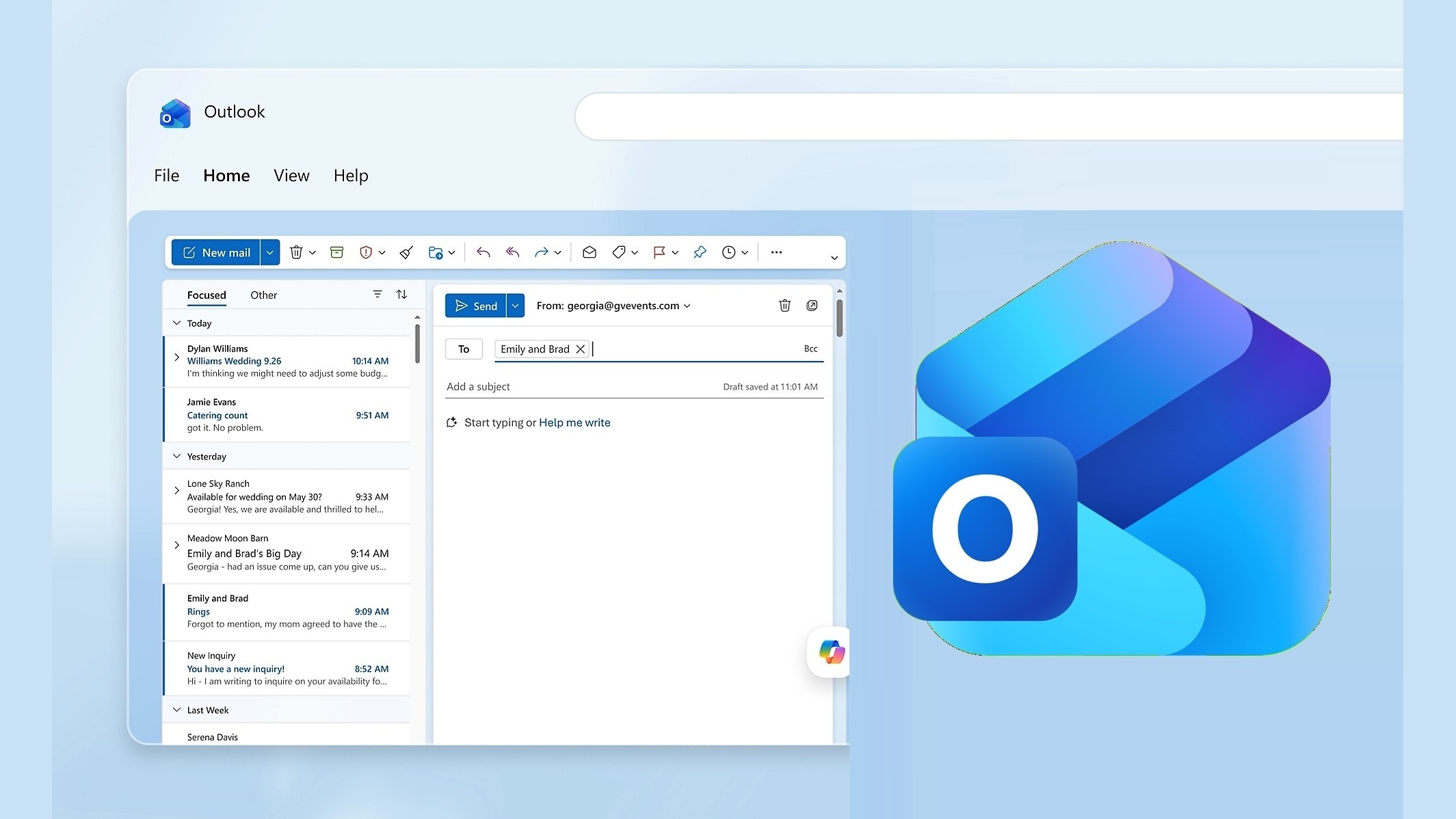
If you had a quiet week on Outlook, it’s not because fewer people wanted to reach out, but because Microsoft may have accidentally blocked your emails. In a statement to Windows Latest, Microsoft confirmed that its updated spam rules incorrectly blocked legitimate emails, and any emails that were rejected aren’t coming back.
I noticed odd behavior with my Outlook.com and MSN.com emails on the night of November 5. A business trying to verify my account on its platform flagged my account because it was unable to verify my Outlook email, and that led me to find out that my Outlook was unnaturally quiet.
I do not use special spam rules, so I was caught off guard and couldn’t figure out what could prevent me from receiving emails. For one, if I was somehow flagged as a spammer, I’d expect to be unable to send emails to other people’s inboxes. But what would prevent me from receiving emails when my account was still active?
Finally, I noticed that it wasn’t just me, and I had quite a lot of users suddenly reach out to me with similar complaints. In our tests, Windows Latest found that emails have been bouncing with SPF, DMARC, or DKIM authentication errors since at least November 5, but I’ve had reports from people seeing it much earlier.
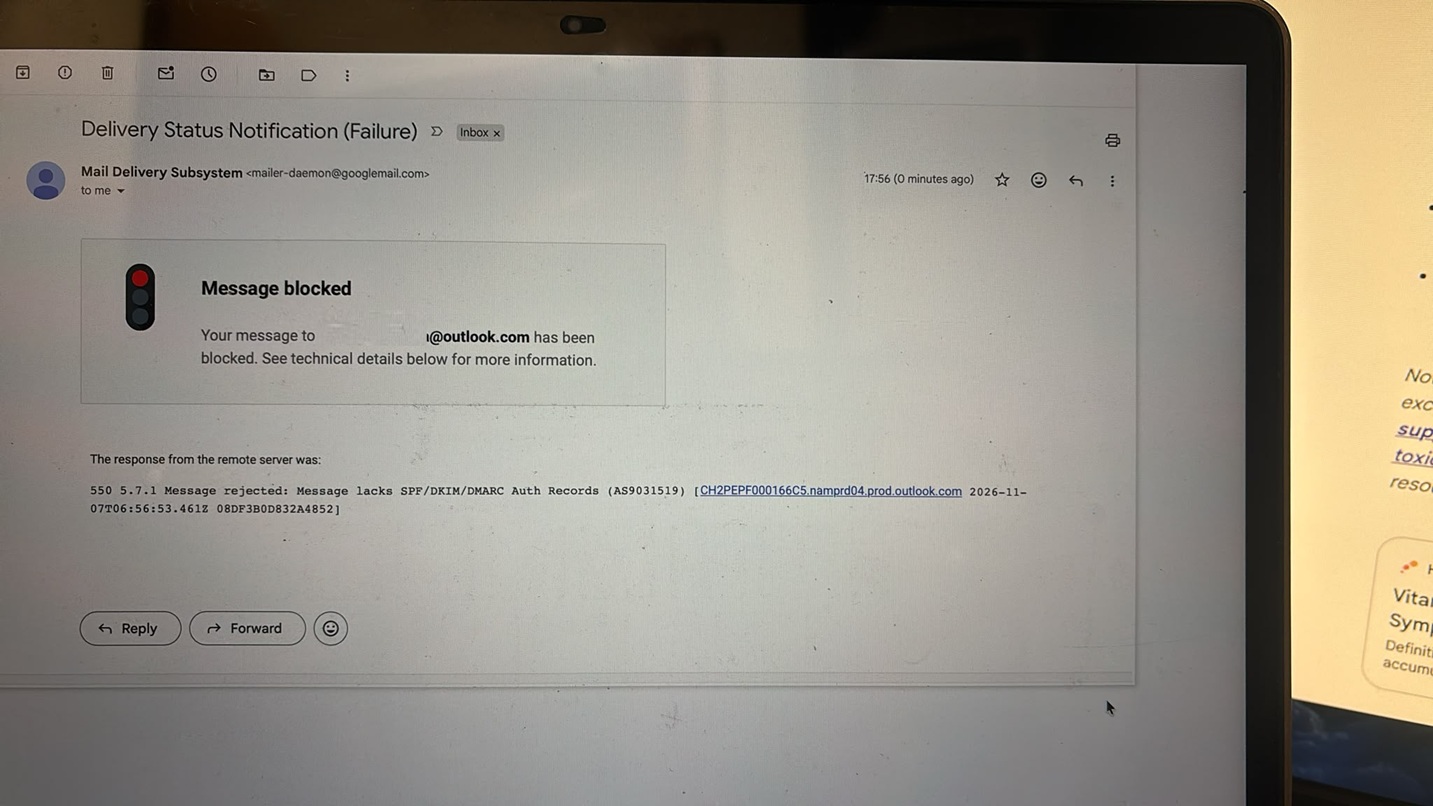
I asked a sender to contact me at my Gmail address, and that worked, suggesting the problem was with Outlook. After a back-and-forth conversation with one of the senders who was seeing authentication errors when trying to email me, I found that emails were specifically bouncing to these domains:
- Outlook.com
- Hotmail.com
- Live.com
- MSN.com
Some senders received an error saying their message lacked authentication records:
550 5.7.1 Message rejected: Message lacks SPF/DKIM/DMARC Auth Records (AS9031519)
If you take the errors at face value, you’d be blaming missing DMARC records, but even some senders with valid authentication records were affected. Microsoft has now told Windows Latest that it’s been an ongoing issue with Outlook, and it has already rolled out a fix.
Microsoft says its spam rules blocked legitimate emails
“We’ve resolved an issue that may have prevented some email messages from reaching Outlook.com, Hotmail and Live addresses, and mail flow has been restored. We’re continuing to monitor to help ensure email is delivered as expected,” a Microsoft spokesperson told Windows Latest, and pointed me to EX1545193 in the admin center.
Microsoft also told me that Outlook’s recent issues were due to an update to the company’s spam rules, which it did not notice until people started flagging problems. It has rolled back the update, and you do not have to change your settings.
Microsoft confirmed that senders also don’t have to take additional action, such as changing DKIM, SPF, or DMARC records, because of this issue.
I can confirm that mail flow was restored on November 9 at 12:02 CET. But if you still have issues, you should report the message trace to Microsoft, and somebody from Outlook support will have a look.
In most cases, you shouldn’t run into additional issues, but if you missed emails during these last few days, there’s no going back.
Since the emails were rejected, they aren’t in Junk or any other folder, and Microsoft can’t restore them for you. Even Outlook Classic’s new local search won’t find them because a copy never reached your PC. You’ll need to ask the senders to resend them, or accept that some emails were lost and aren’t coming back.