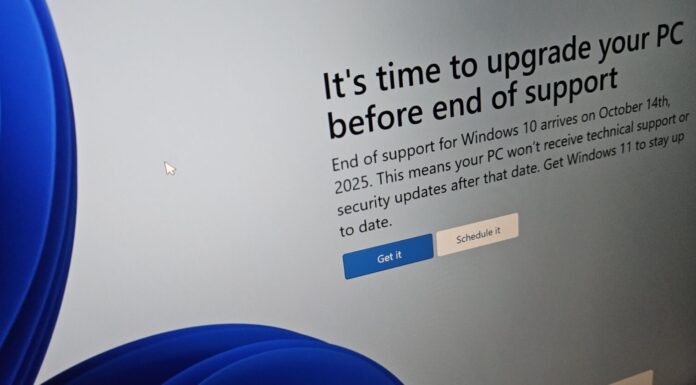









Windows Latest has spotted that Microsoft is shutting down To Do, its free task-management app, on June 30, 2027. The retirement covers To Do on Windows, Mac, Android, iOS, and the web, and the $3.8T USD company won’t offer Planner as the replacement for personal Microsoft accounts, even if you pay for Microsoft 365 Personal or Family.
Microsoft skilfully tucked the news into the end of a 10-minute Planner blog post about “unified plans.” Worse, your tasks won’t move to Planner automatically, and the export tool Microsoft has promised doesn’t have any instructions yet. This is nothing short of devastating for someone like me who still uses To Do every day.
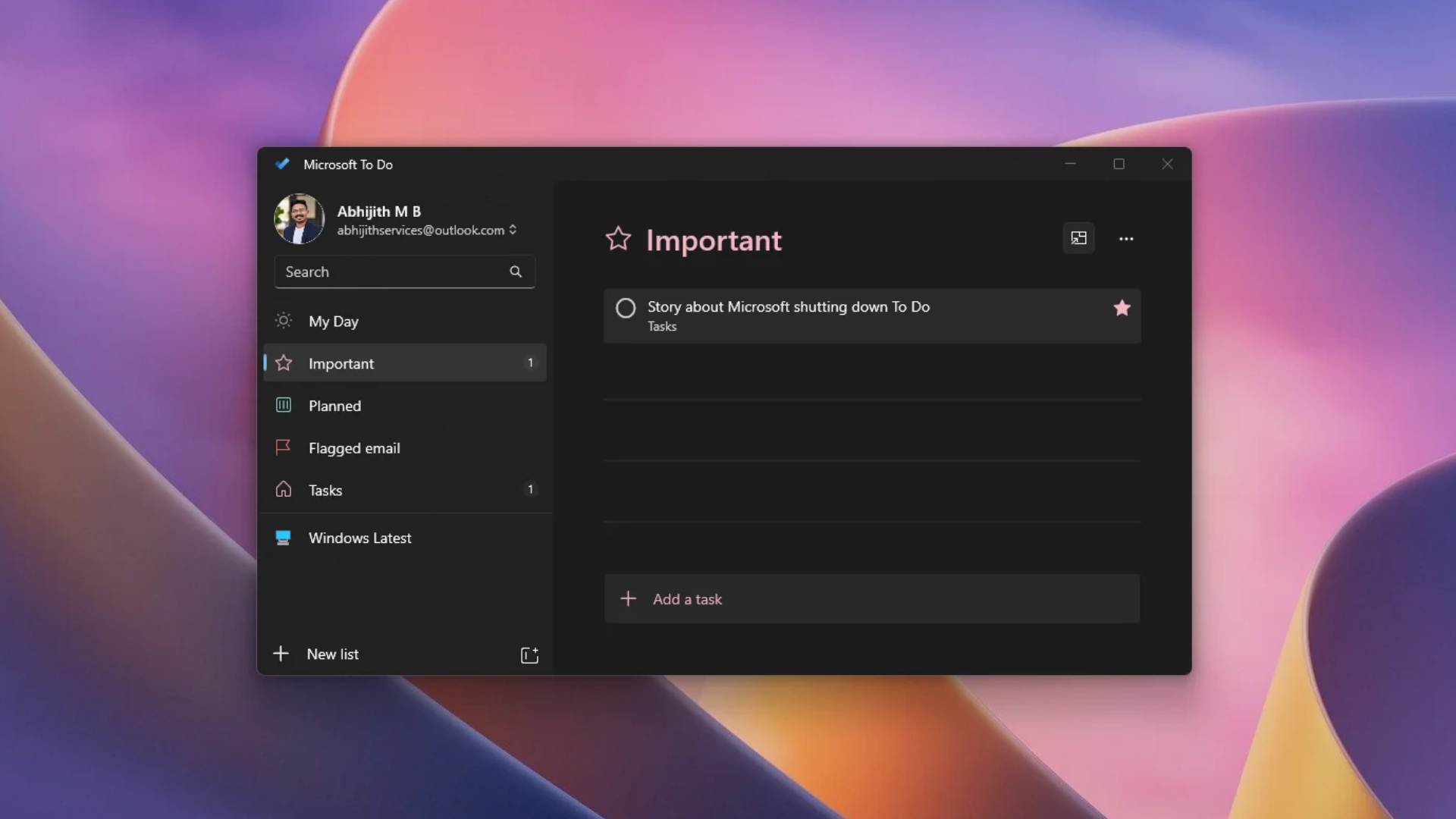
Microsoft To Do is shutting down on June 30, 2027, on Windows, Mac, Android, and iOS
We found a support document published this week, where the company says: “Microsoft To Do is retiring. For work or school accounts, Microsoft Planner will be the destination for managing personal work tasks alongside assigned work.”
The apps will retire for both work or school and personal accounts. The To Do service, APIs, and sync support will retire later, and Microsoft says the app retirement doesn’t schedule your data for deletion.
Truth be told, the writing was on the wall. To Do hasn’t had new features in ages, and Microsoft has been adding Planner to New Outlook’s sidebar, much like To Do, as it turns New Outlook into a task manager. Ironically, classic Outlook’s Tasks feature will keep syncing with Exchange, so a part of Outlook Classic outlives To Do.
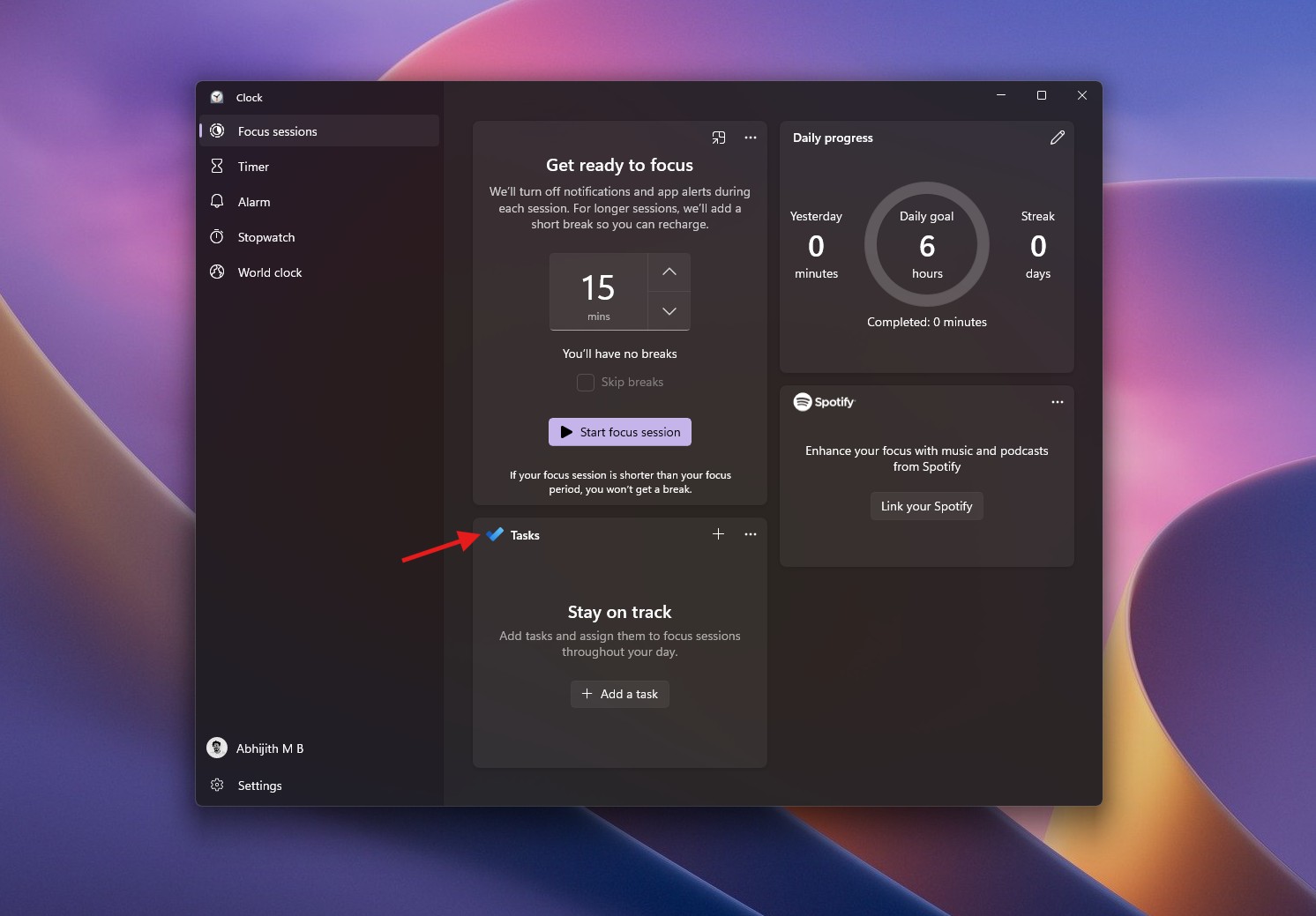
Microsoft has no To Do replacement for personal accounts, even if you pay for Microsoft 365
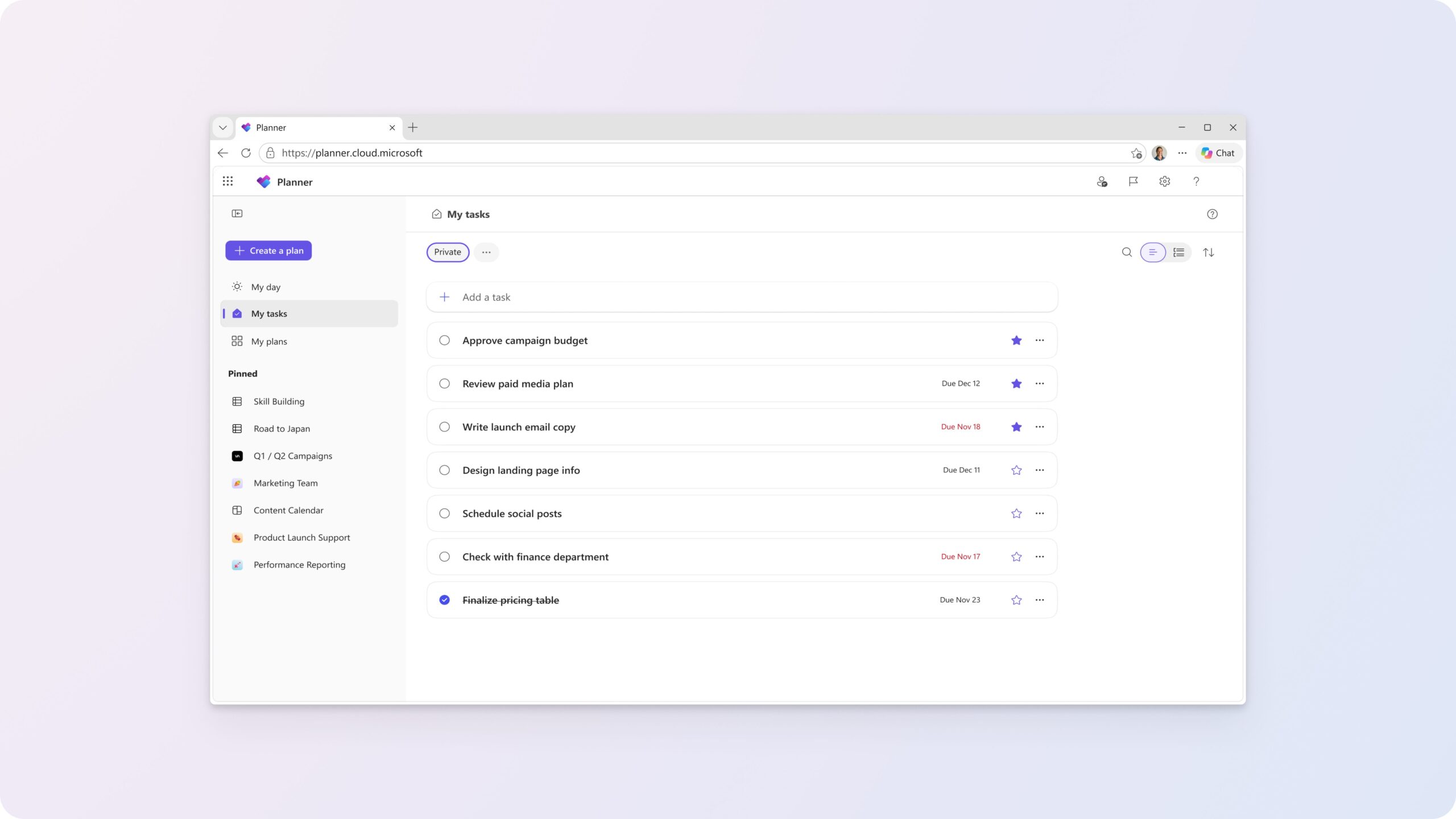
Work and school users get a redesigned My tasks page in Planner from December 2026, with a list-first layout, starred tasks and a separate Assigned to me view.
Personal accounts get nothing of the sort. Microsoft’s transition guide confirms that Planner isn’t available for them, including Microsoft 365 Personal and Family subscribers, and its lazy advice is to “Choose another task-management application that meets your needs.”
So, if you pay for Microsoft 365 Family to share Office with your family, Microsoft wants your grocery list somewhere else. And To Do is one of the rare free Microsoft apps without ads or an MSN feed pushed at you.
Microsoft, if you’re listening, not everything is about work. Maybe we just needed a simple To Do app that syncs with all our devices and that we can use to jot down basic tasks.
Your Microsoft To Do tasks won’t move to Planner automatically
Existing To Do tasks and lists won’t migrate to the new private Planner plan. On work accounts, they will be visible in Planner until June 30, 2027, and shared-list members and permissions won’t transfer.
Microsoft promises a way to export your To Do data before the apps retire, but hasn’t shared instructions or limitations, and warns that an export doesn’t mean you can import it into Planner or any other app.
Under Microsoft’s post, a user named siavashvj asked if Microsoft hates its users, since there’s no conversion tool. Microsoft’s SusieTinker suggested using Copilot or Cowork to move tasks into your private plan, which only helps work accounts. This is the most Microsoft-reply I have ever seen.
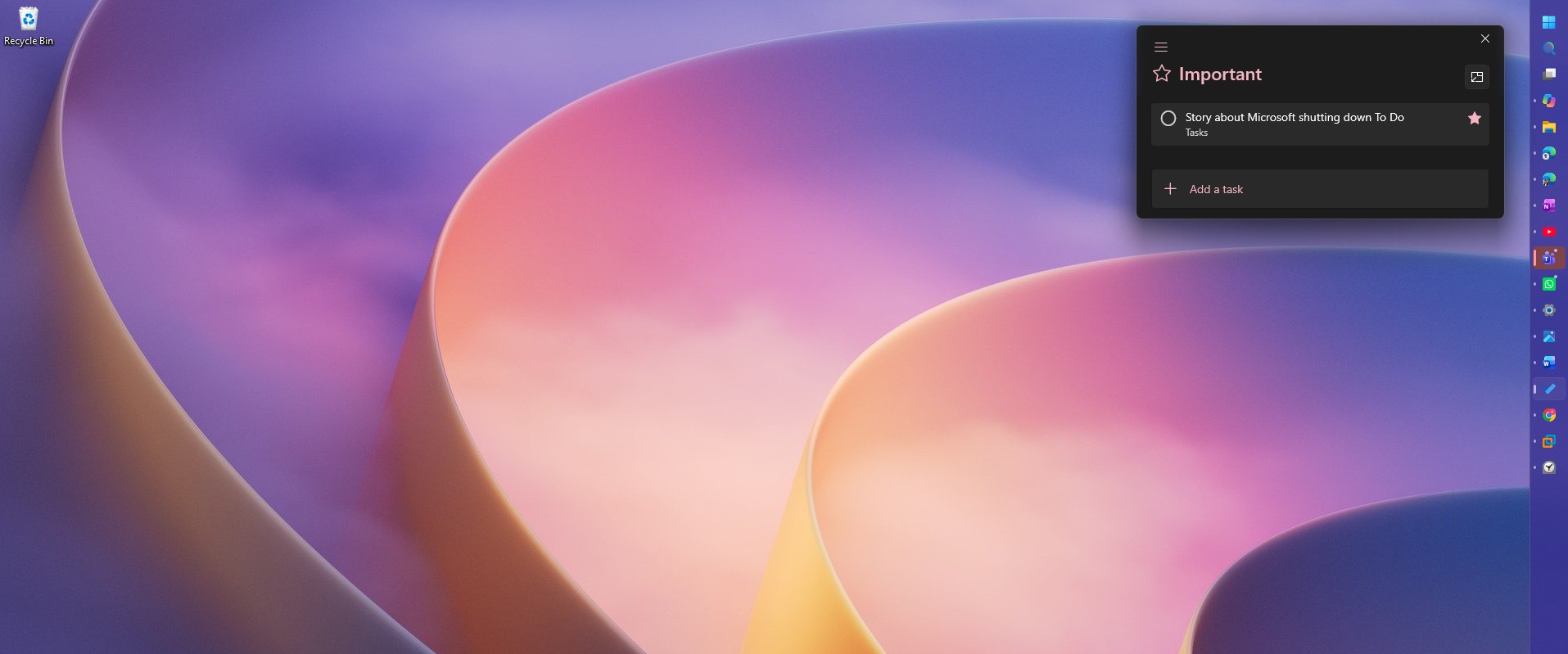
Planner won’t get a Windows app to replace Microsoft To Do
Planner is available on the web and in Teams, and Microsoft says native Planner apps for Windows and Mac aren’t planned as replacements for To Do’s desktop apps. Neither the web nor Teams version has equivalent offline access.
You are losing a fair bit here. Planner’s due-date notifications differ from To Do’s per-task reminders, its labels don’t sync with Outlook categories, and the private plan doesn’t support attachments yet. To Do’s list groups have no equivalent, and printing or emailing a list isn’t planned.
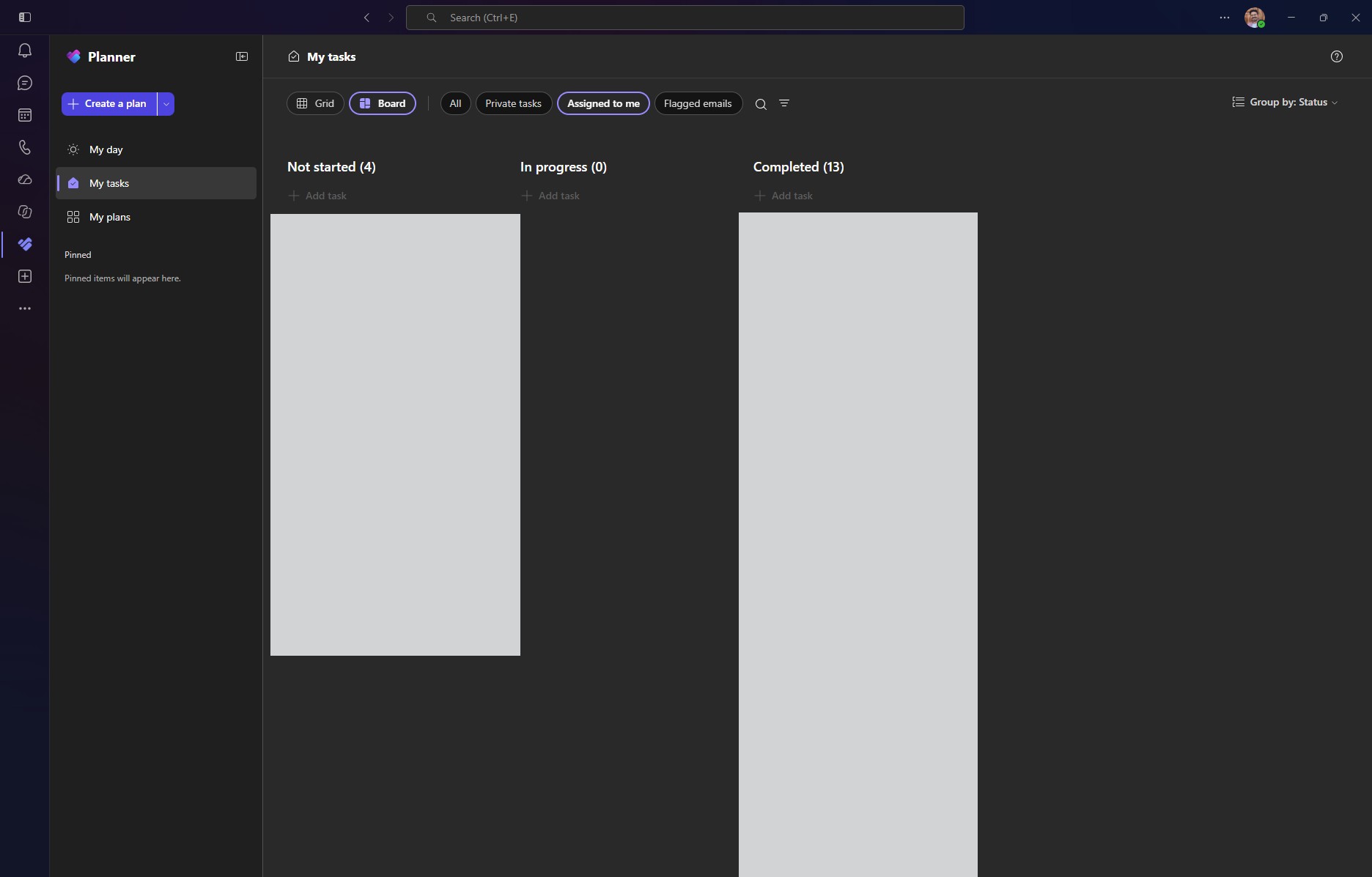
In another document spotted by Windows Latest, Microsoft says they are combining To Do and Planner’s basic and premium plans into one system called unified plans, which also connects to Copilot and Cowork (sure, more AI). New private tasks will be stored in a private Planner plan instead of To Do.
“As we bring personal task management into Planner, we will phase out To Do,” the Planner team’s Ashna Patel wrote nonchalantly.
A commenter named bendywire called To Do the easiest to-do app they’d used (which is exactly how I also felt), praising how it switches between work and personal lists, and features like Smart Due Date. They signed off with “RIP To Do / Wunderlist :-(”
Microsoft bought Wunderlist to build To Do, and now it’s retiring To Do too
In June 2015, Microsoft bought 6Wunderkinder, the Berlin startup behind Wunderlist, for a reported $100 million to $200 million. The Wunderlist team then built To Do, and Microsoft shut Wunderlist down on May 6, 2020, letting users import their lists into To Do.
In 2027, personal users don’t get a Microsoft app to import into.
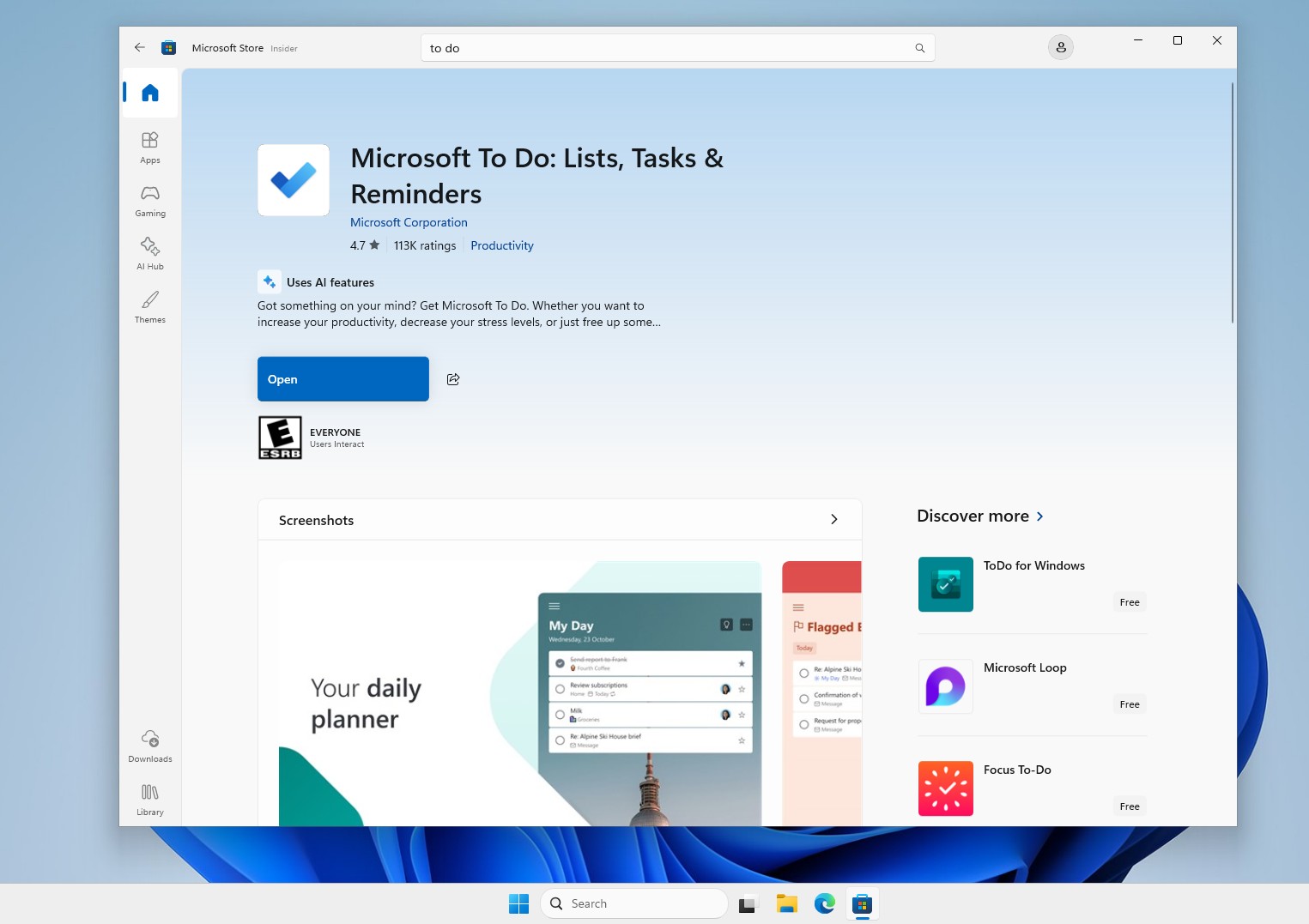
Personally, I’m heartbroken. I use To Do every day on my phone and PC, and the Windows app is fast, smooth, and native, not another WebView2 wrapper. All I need is a simple to-do list, so if anyone at Microsoft is reading this, please reconsider!